
Master Tour will launch updates to add new features, fix bugs, and improve performance.
- When the newest version of Master Tour is ready to install, you'll see a red notification dot appear in the top right corner next to your profile picture.
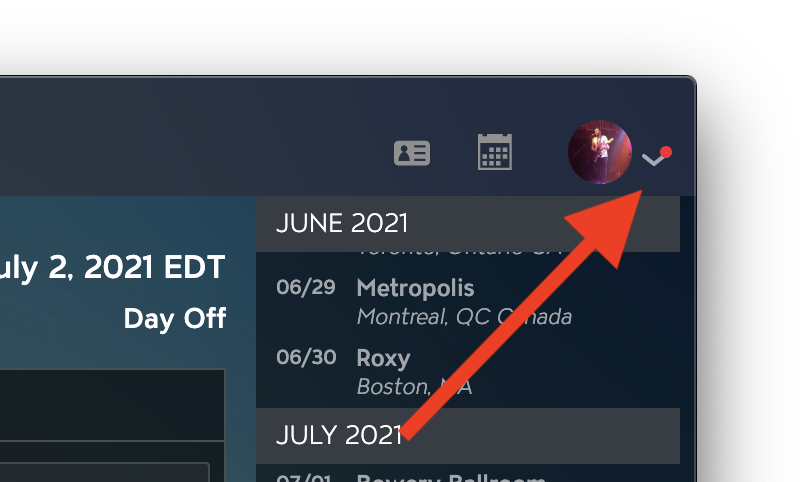
- Click on that red dot/dropdown, then click the Update Ready: Install Now button.
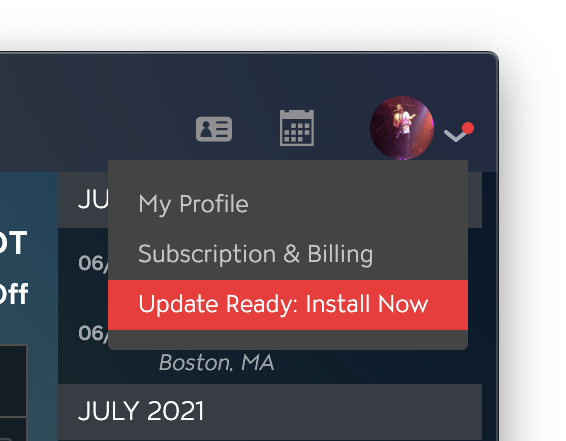
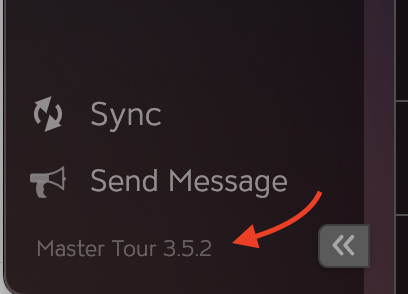
- This will restart your Master Tour desktop app with the latest version of Master Tour. You can confirm that you are on the newest version by checking your version number in the bottom left corner of Master Tour after you log in.
If you run into any issues, or have any feedback on the latest version, please contact us at support@eventric.com!
If you have any questions after following these instructions, please click here to open a Support Request or call +1-773-862-4246 to speak with a member of our Support Team between the hours of 10:00 am - 6:00 pm US Central Time (CT), Monday through Friday.