
There are currently two ways to view a Tour in Master Tour Mobile.
This article covers how to:
Navigate Using Dates List
The first way is to:
-
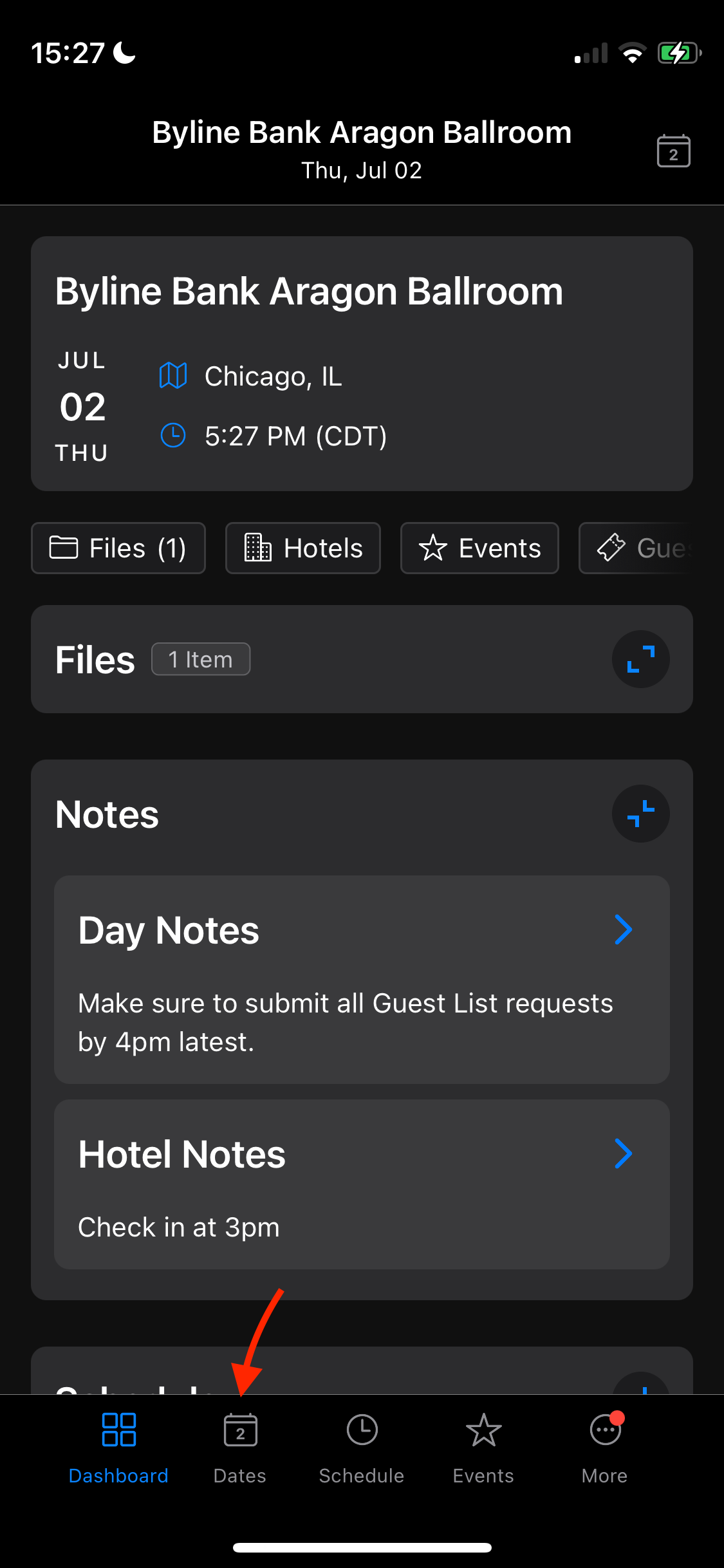
Tap on the Dates button in the bottom navigation menu of the application.
-
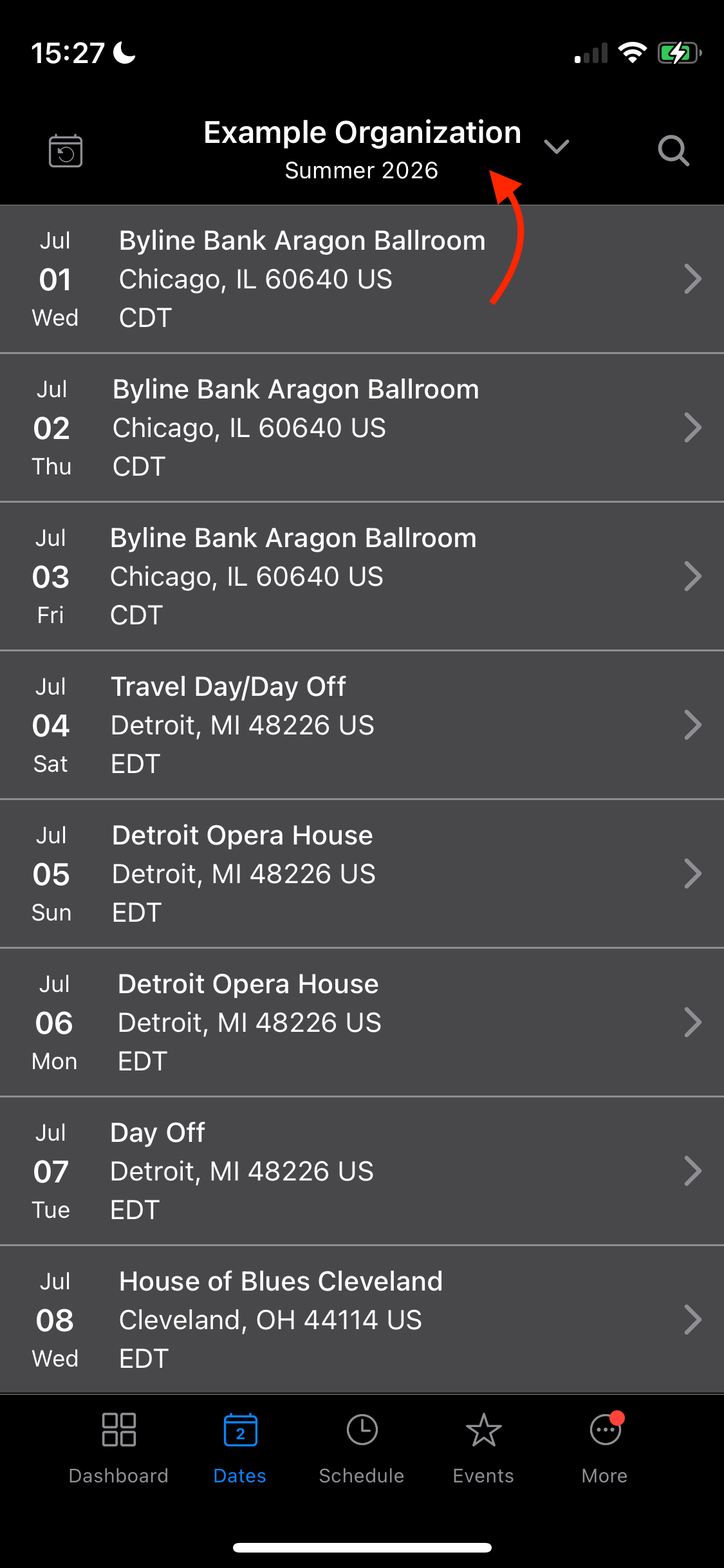
Tap on the name of the current Tour selected to open the list of all other Organizations, and the tours inside them.
-
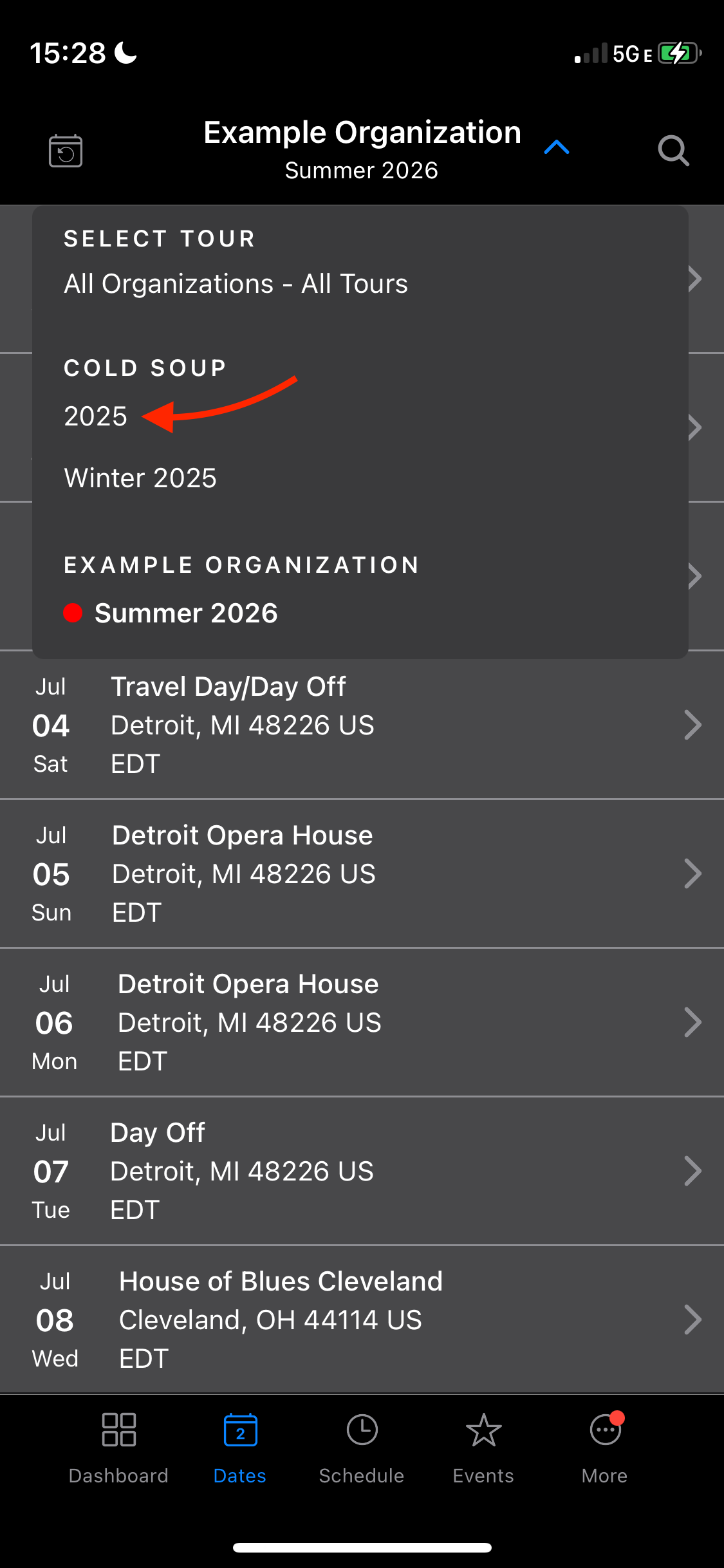
Select the Tour you wish to view.
Navigate Using Dates Calendar
The second way to view a different tour than the one currently selected on is as follows:
-
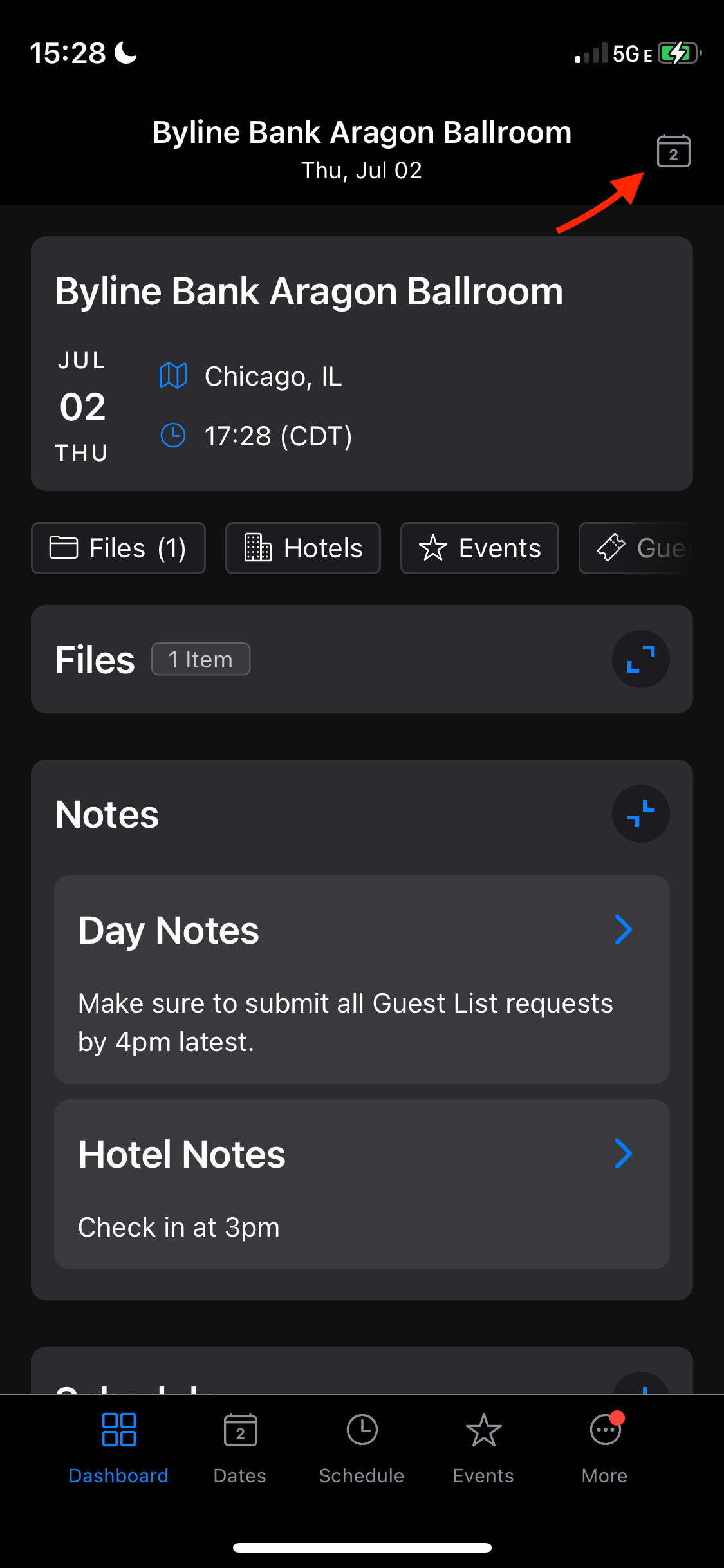
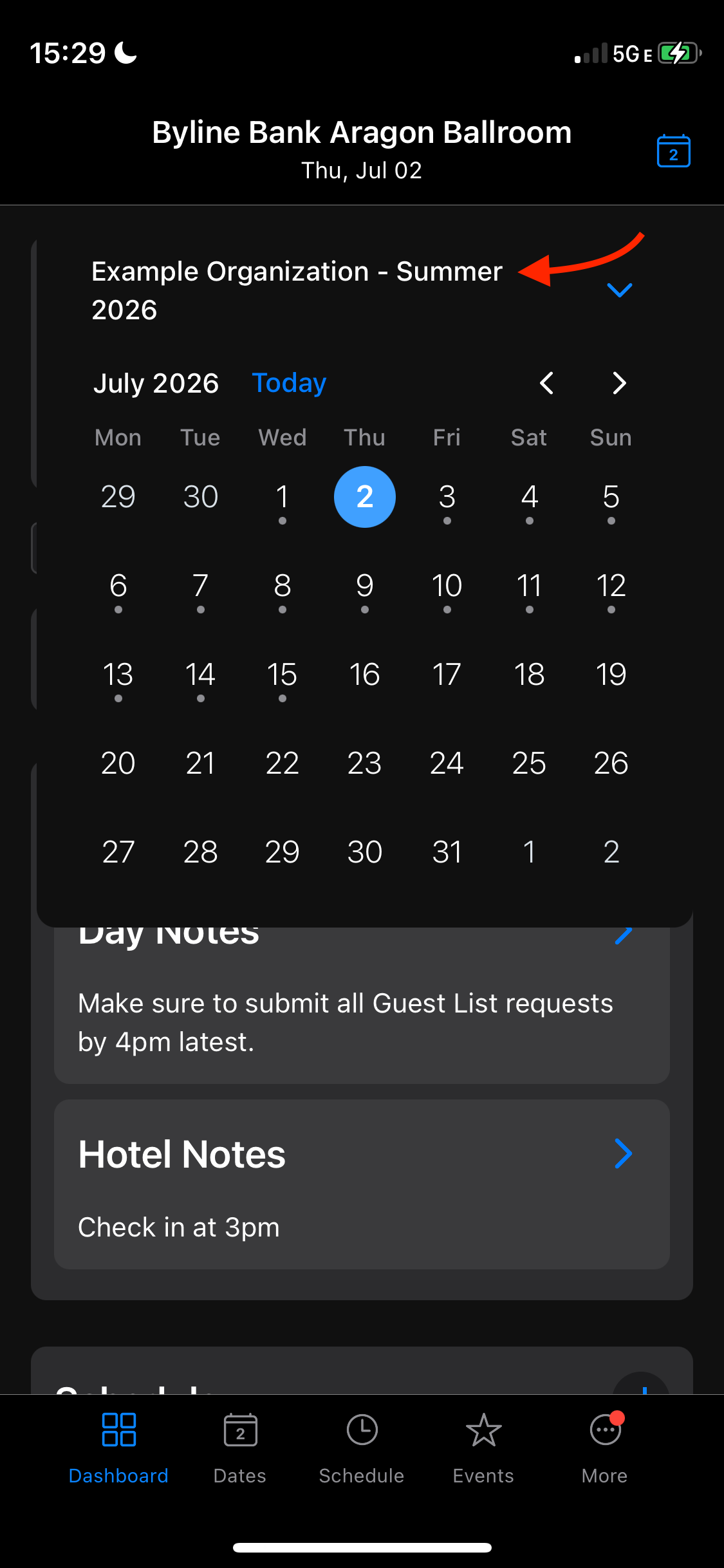
On the home page of your current tour select the Calendar icon in the top right corner of the screen.
-
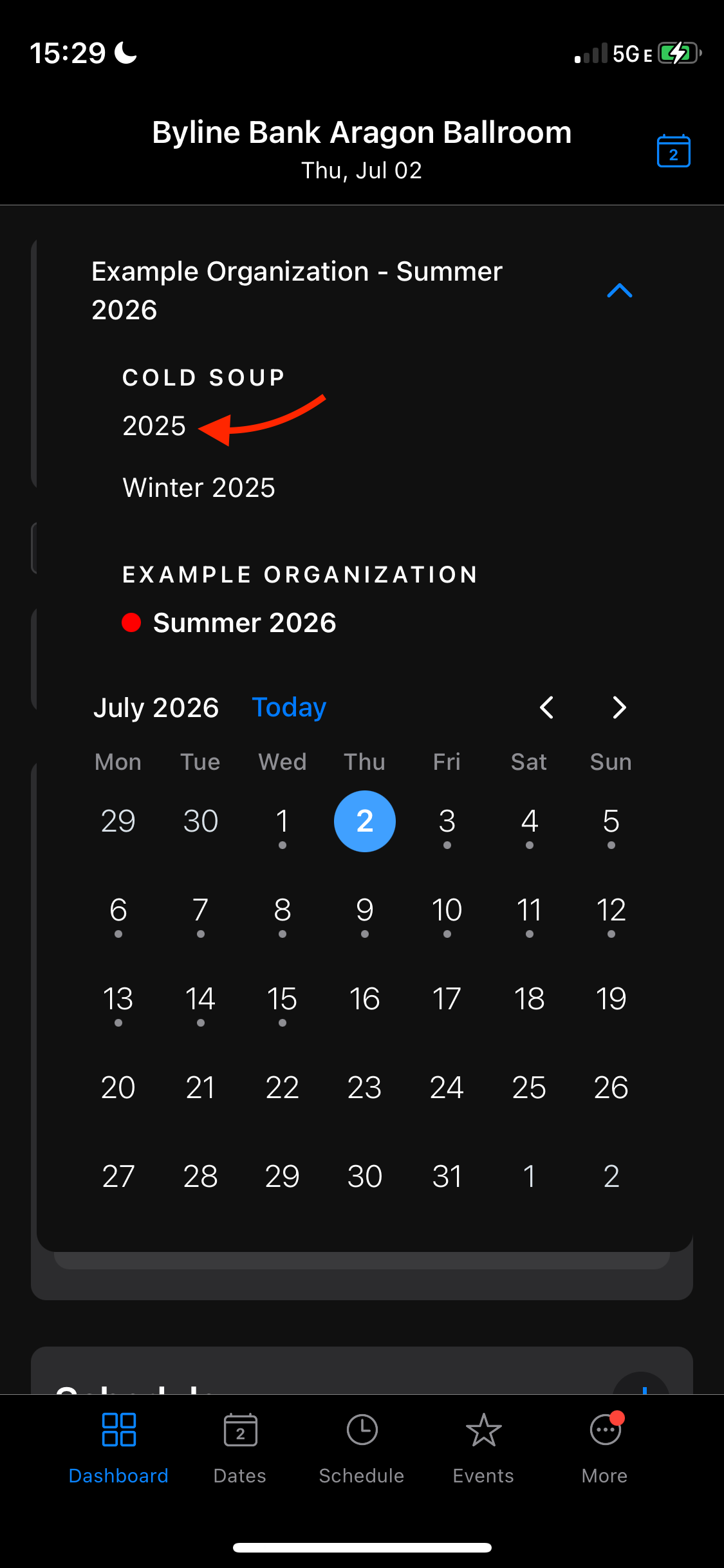
Select the name of the current Organzation/Tour open to view the list of other Tours.
-
Click on the new Tour you would like to view.
Check out the video below for a real-time guidance on this article: