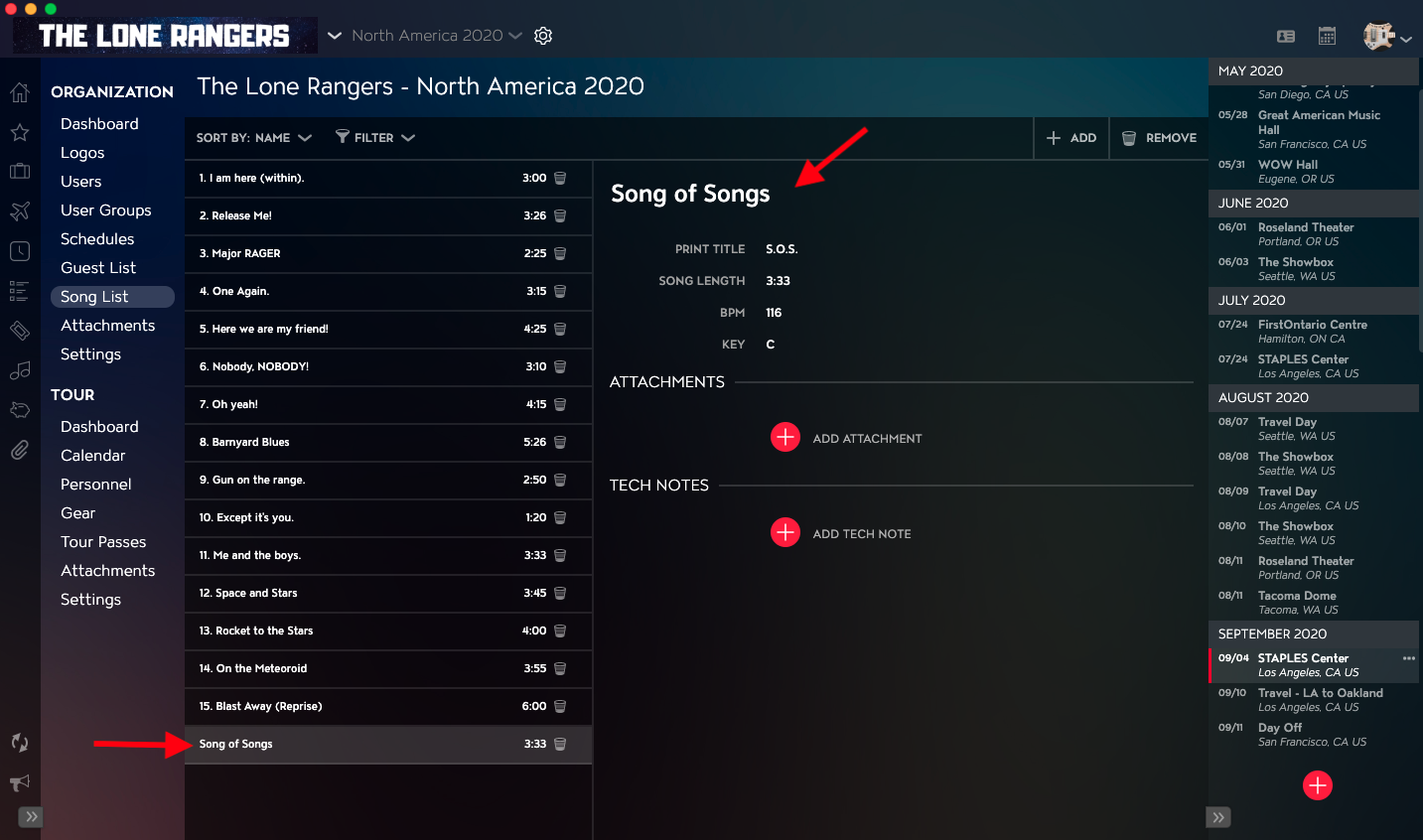
You can edit Song Details in your Song List using the Song List Module in Master Tour 3.
This article covers:
How to Navigate to the Song List Module
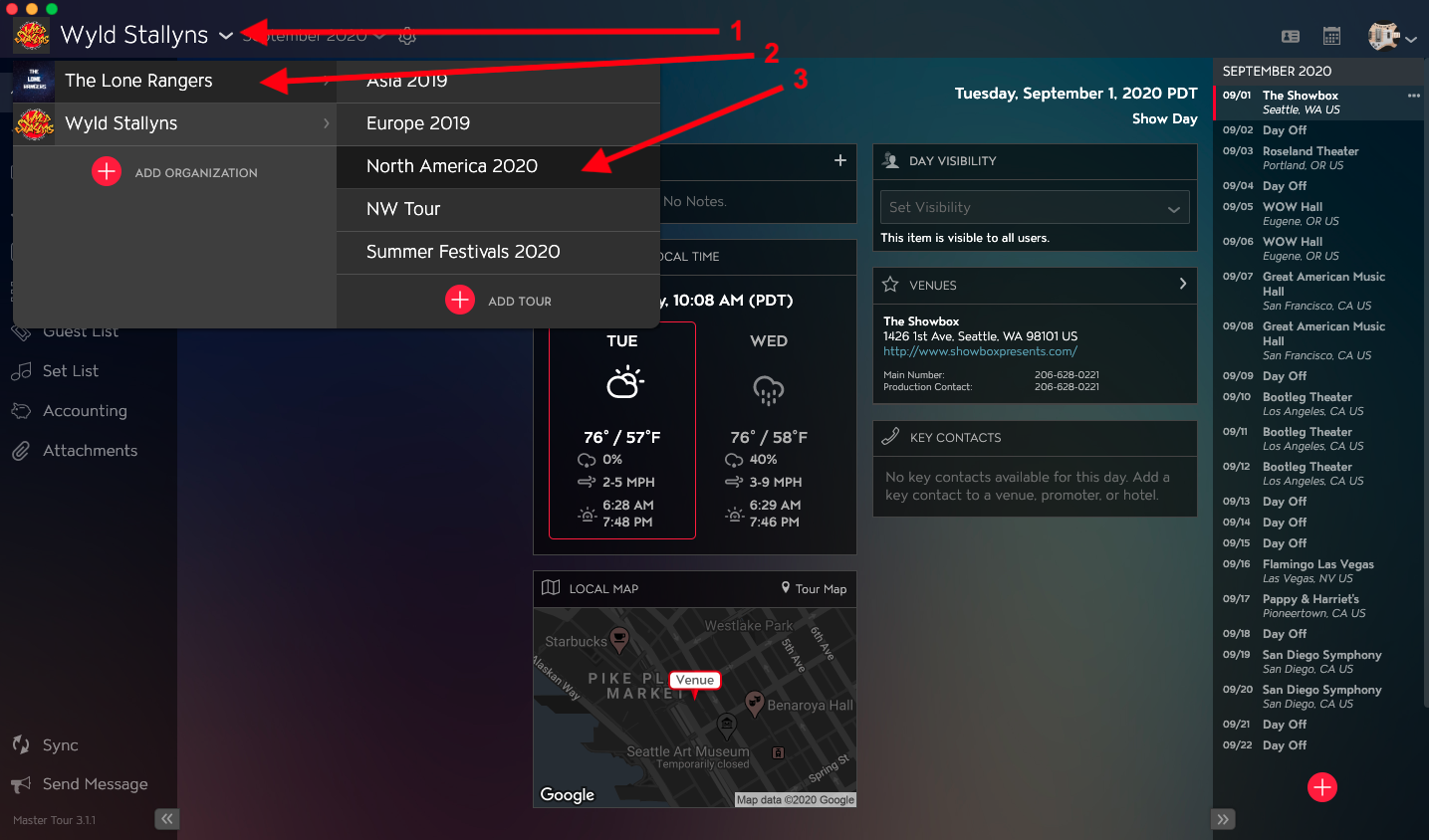
Within Master Tour, select the Organization that you would like to edit Song Details in the Song List for.
- Click on the Organization Selector dropdown menu.
- Select an Organization.
- Select a Tour if there are any Tours added to the Organization.
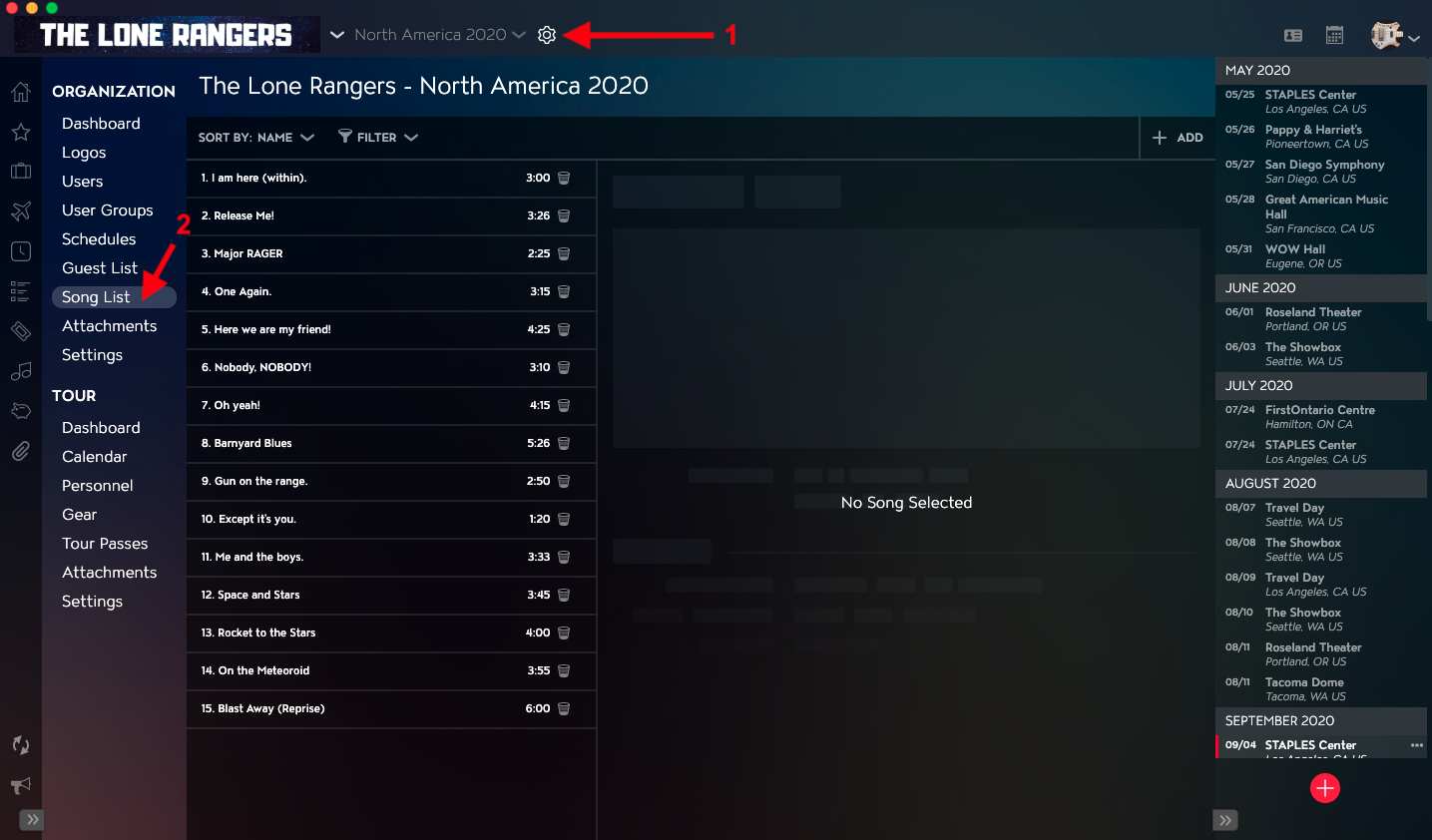
- Click on the Gear Icon to the right of your Tour Name at the top of the application.
- Click into the Song List Section within Organization Settings in the left menu.
How to Edit Song Details in the Song List
- Click on the Song that you'd like to edit from the Song List.
- In the right column, you can click into and edit Title, Print Title, Song Length, BPM, and Key fields. Clicking out of the fields will automatically save your changes.
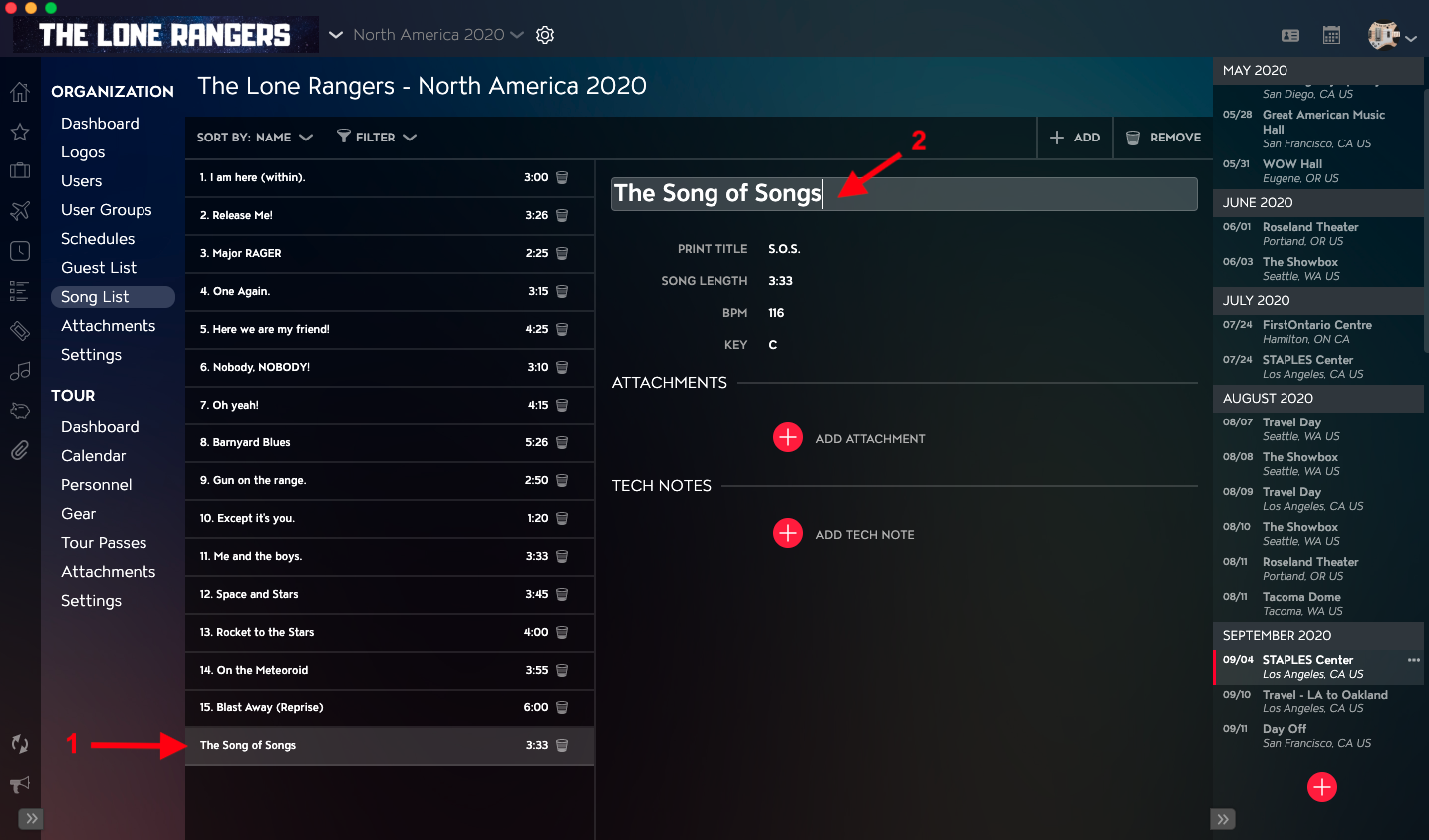
You will then see your updates in the Song Details.