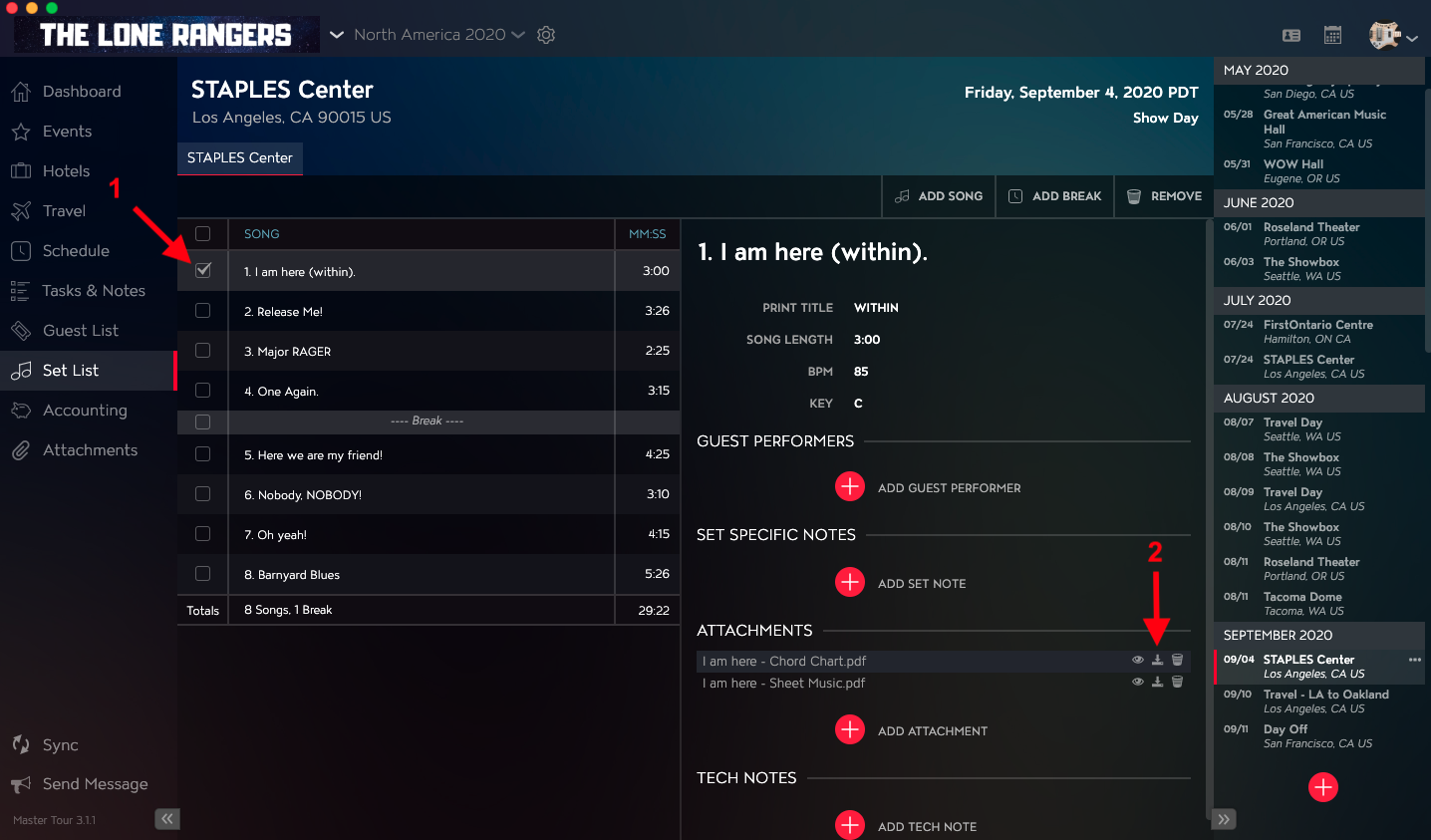
You can download Attachments for Songs in Tour Date Set Lists using the Set List Module in Master Tour 3.
This article covers:
How to Navigate to the Set List Module
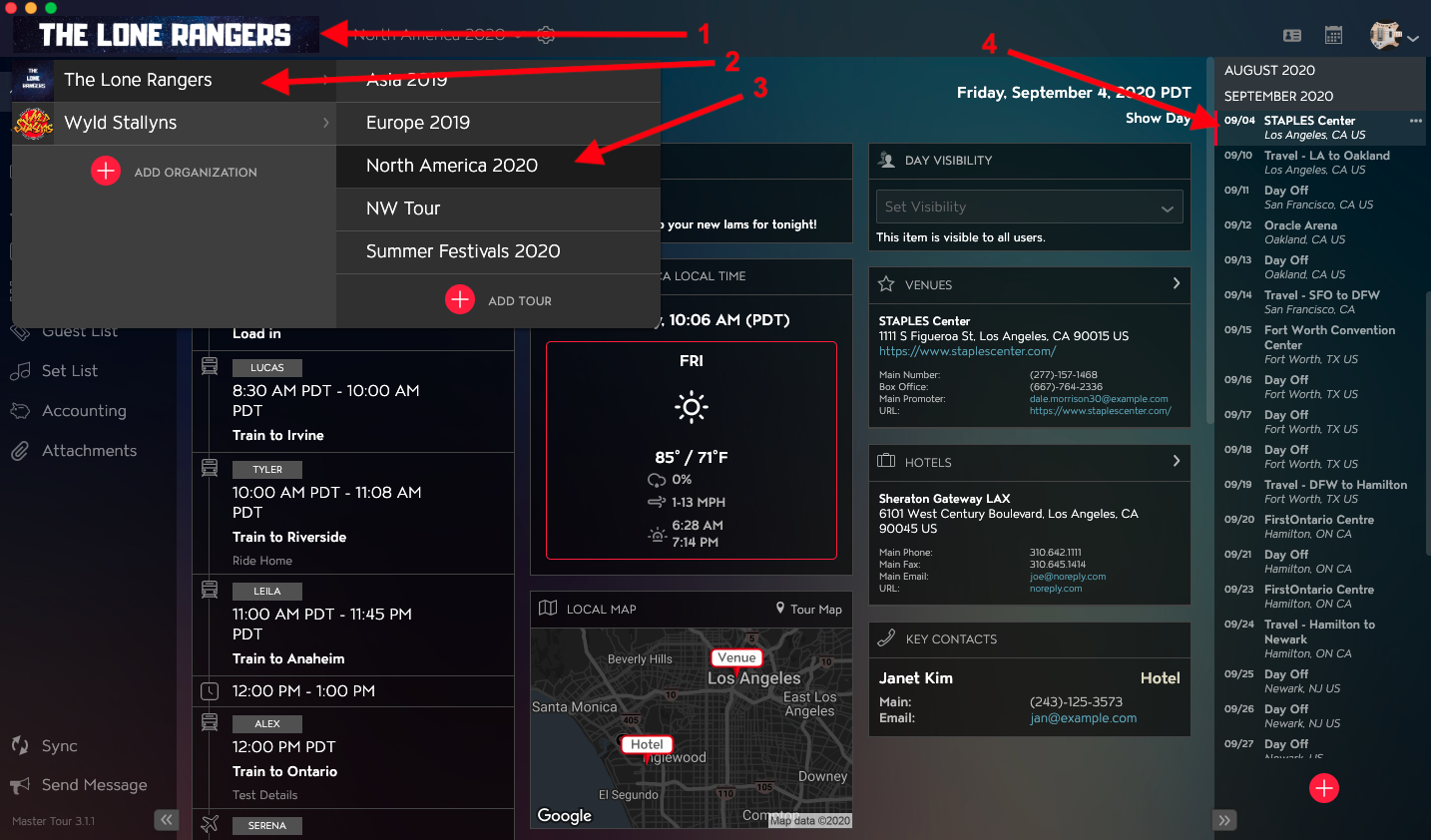
Within Master Tour, select the Tour Date that you would like to download Attachments from Songs in a Set List for.
- Click on the Organization Selector dropdown menu in the upper left of the application.
- Select an Organization.
- Select a Tour from the Tour Selector dropdown menu.
- Select a Tour Date in the Tour Date List on the right of the application.
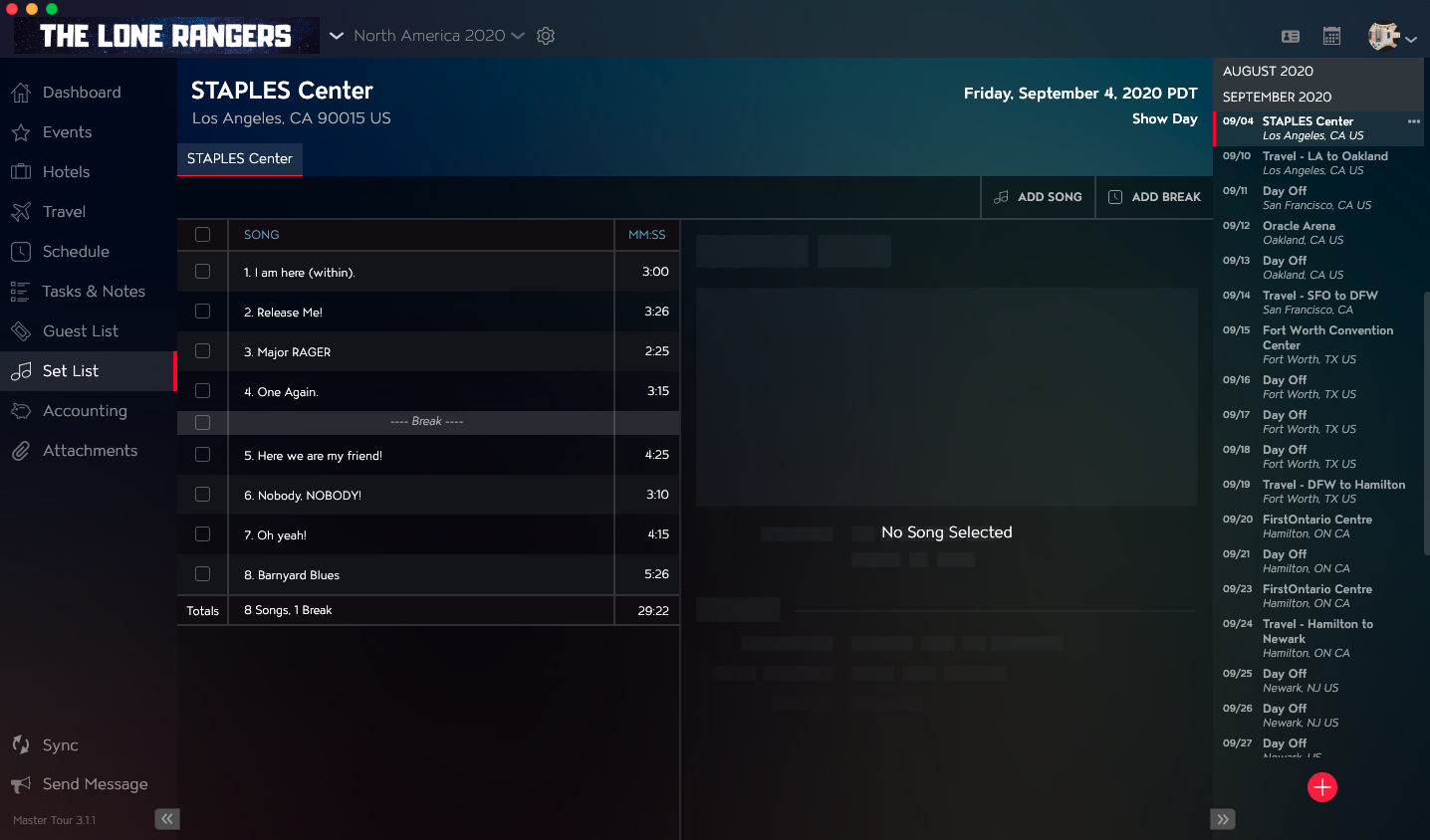
Click on Set List in the left menu.
How to Download Song Attachments from the Set List
- Select the checkbox for the Song in the Set List that you would like to download an Attachment from.
- Click on the Download icon for the Attachment in the Attachments section in the right column.