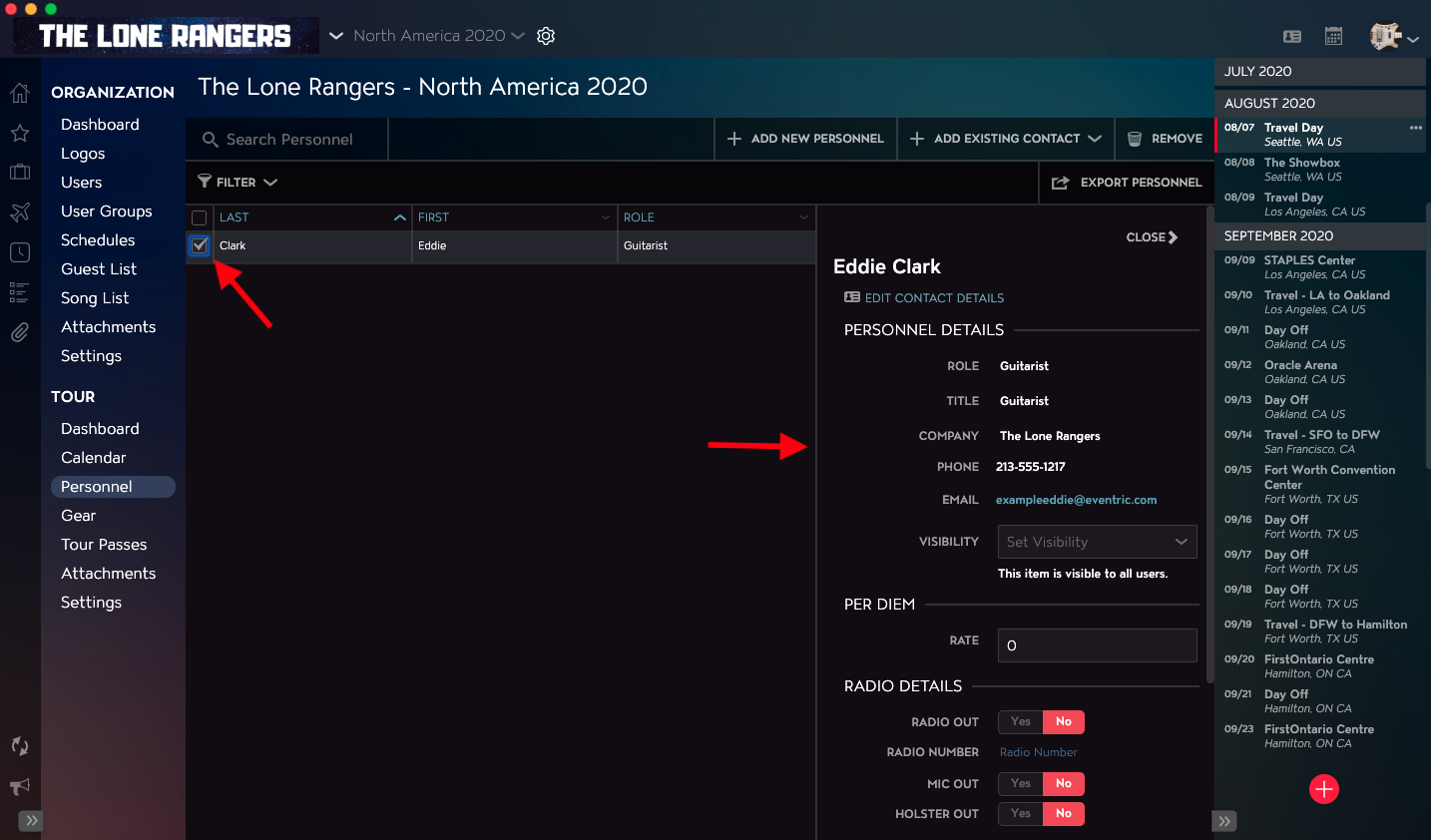
You can find specific Tour Personnel Records by using Master Tour’s Search and Filter functionality. You can search by first & last name, email address, and role. You can use the Filter function to configure your view based on the individual’s role.
This article covers:
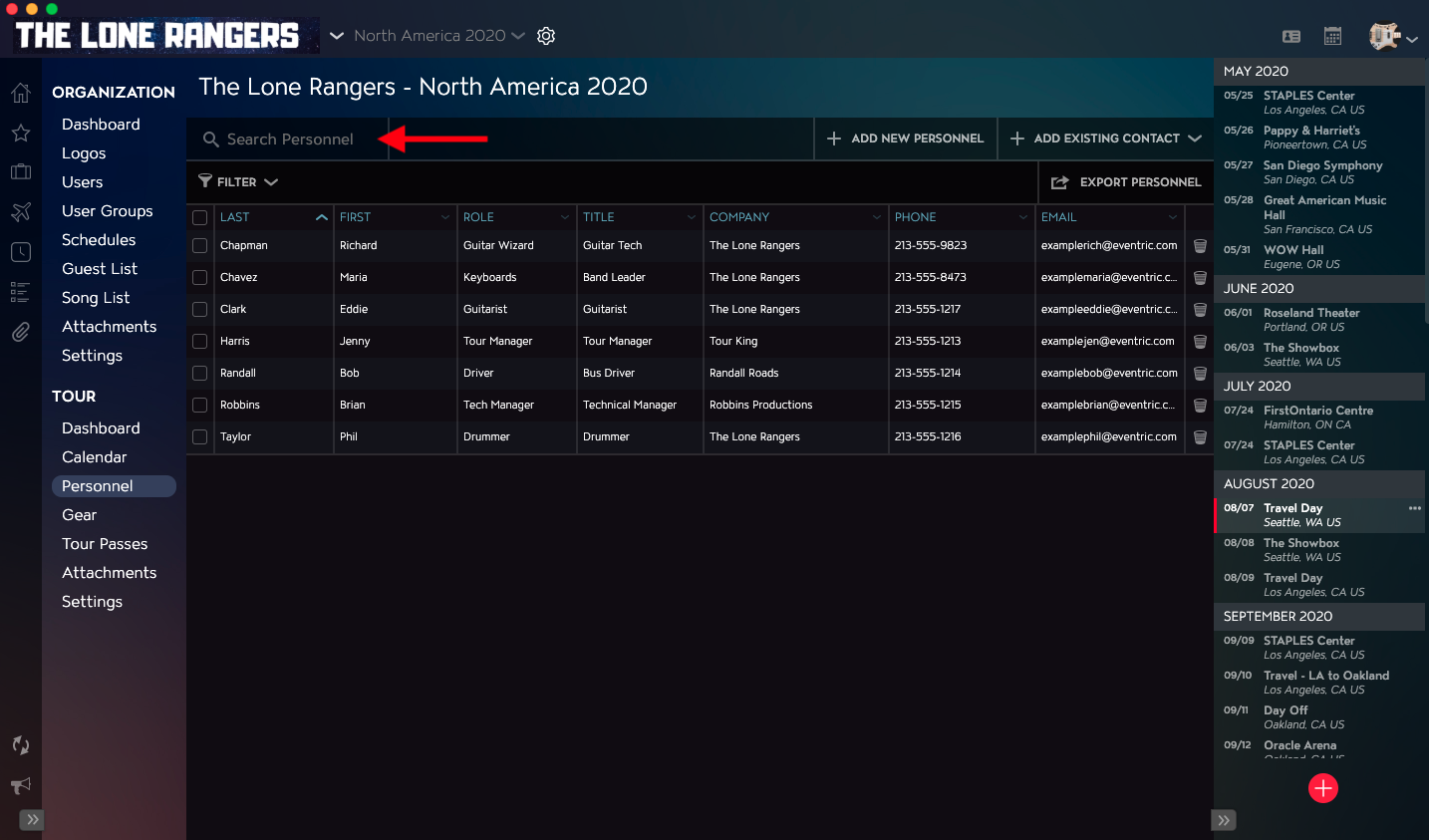
How to Search Tour Personnel Records
Use the Search Personnel field in the upper left corner of the Personnel Table to search for specific Tour Personnel Records by First Name, Last Name, Preferred Name, Email Address, and Role.
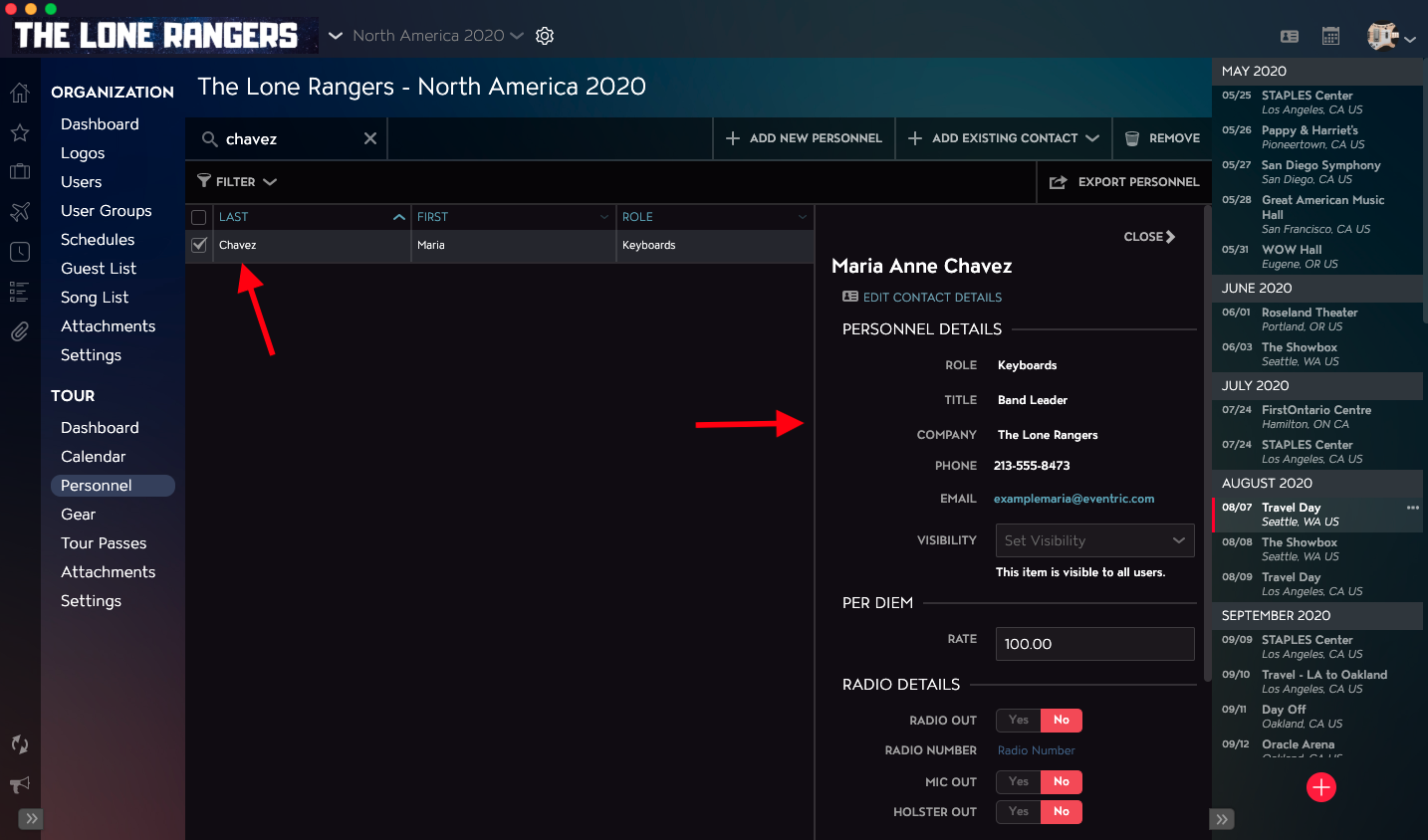
Once your Search is complete, you will see the individual’s record in the Personnel Table’s left column and the individual’s record details in the right-hand column.
How to Filter Tour Personnel Records
Click on the Filter link in the upper left corner of the Personnel Table.
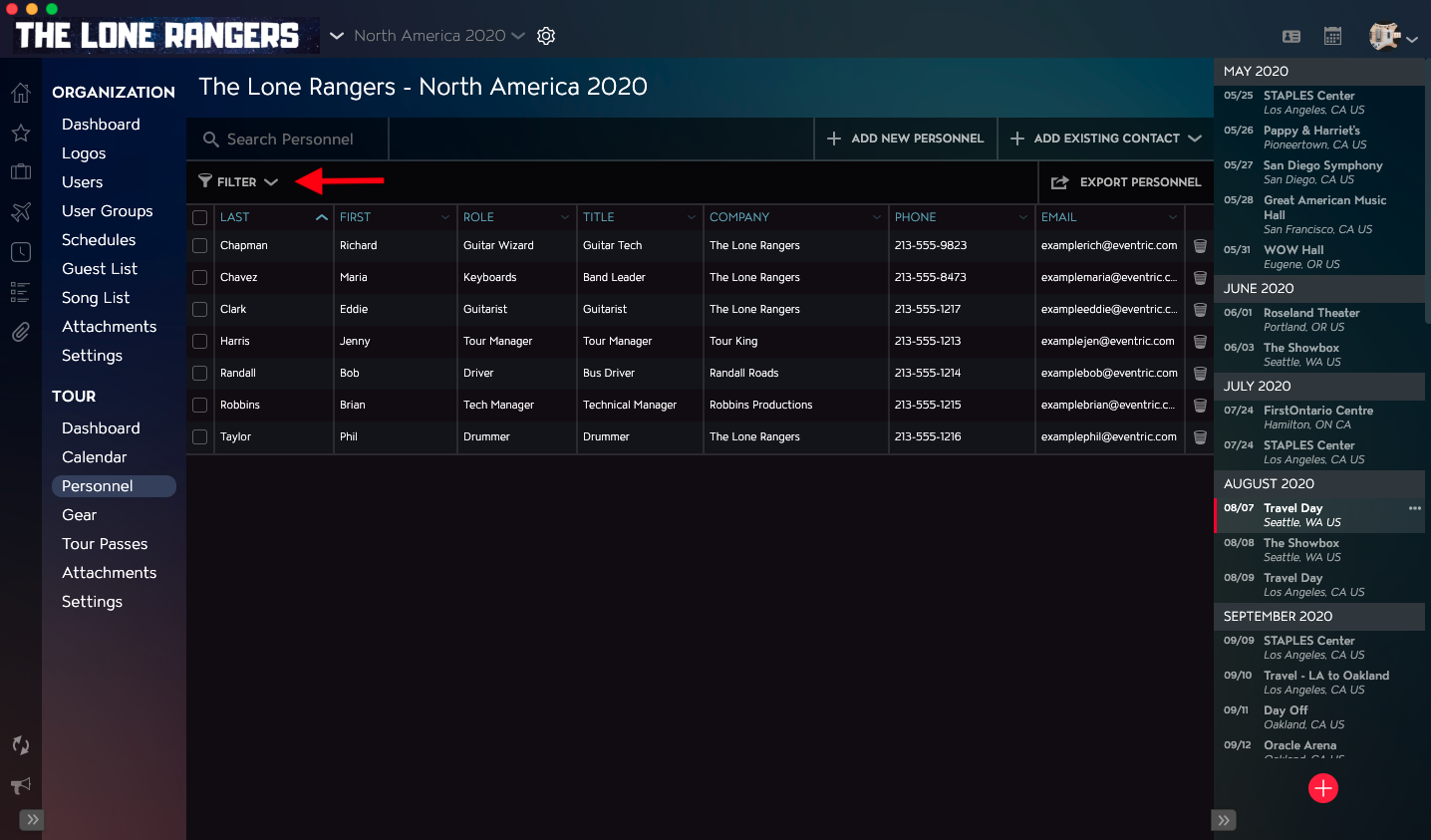
Next, select one or more Roles that you would like to Filter by.
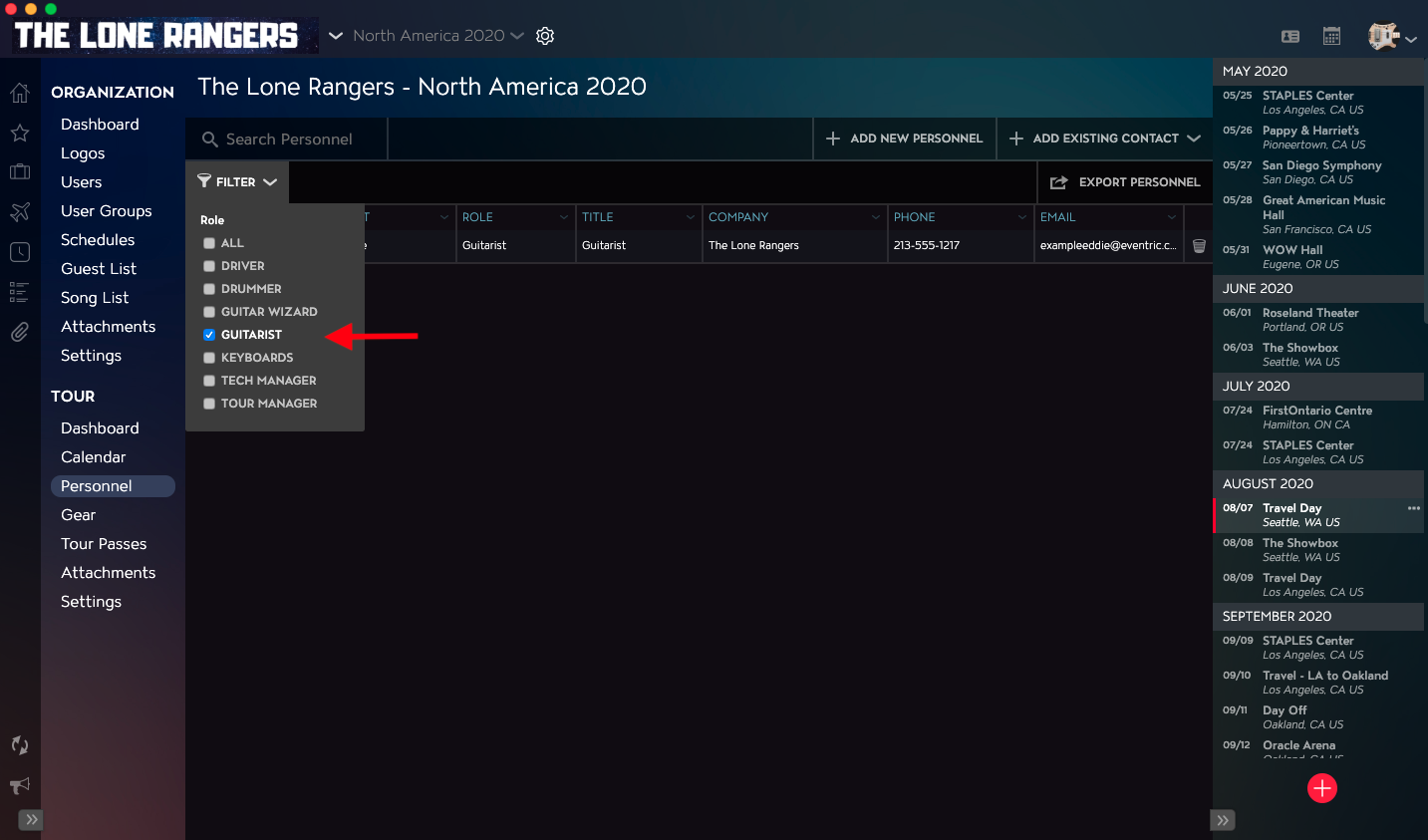
Once you have applied your filter, you will see the filtered results in the Personnel Table.
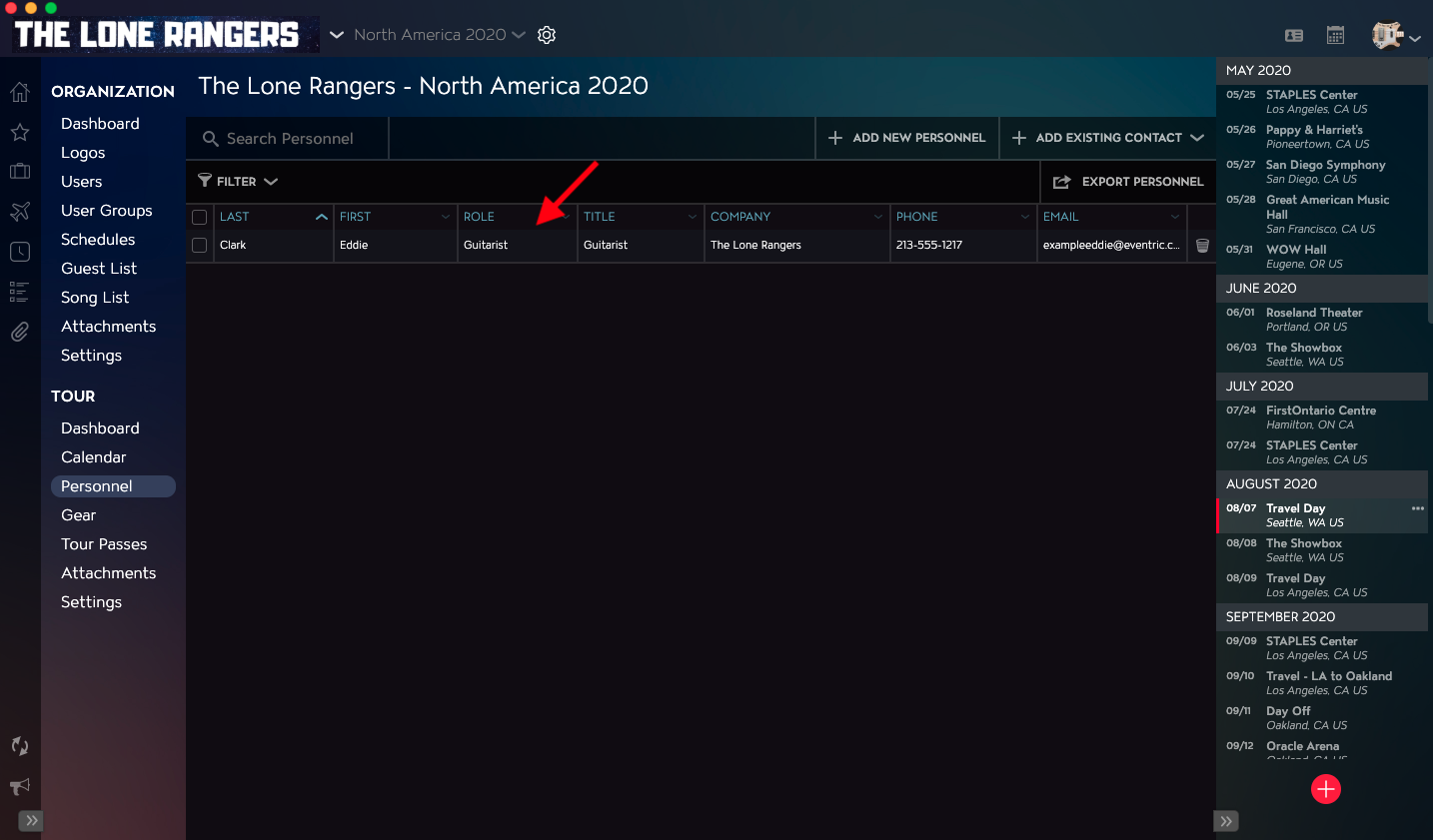
From here, you can click on the checkbox to the left of the contact’s name to view their full detailed record.