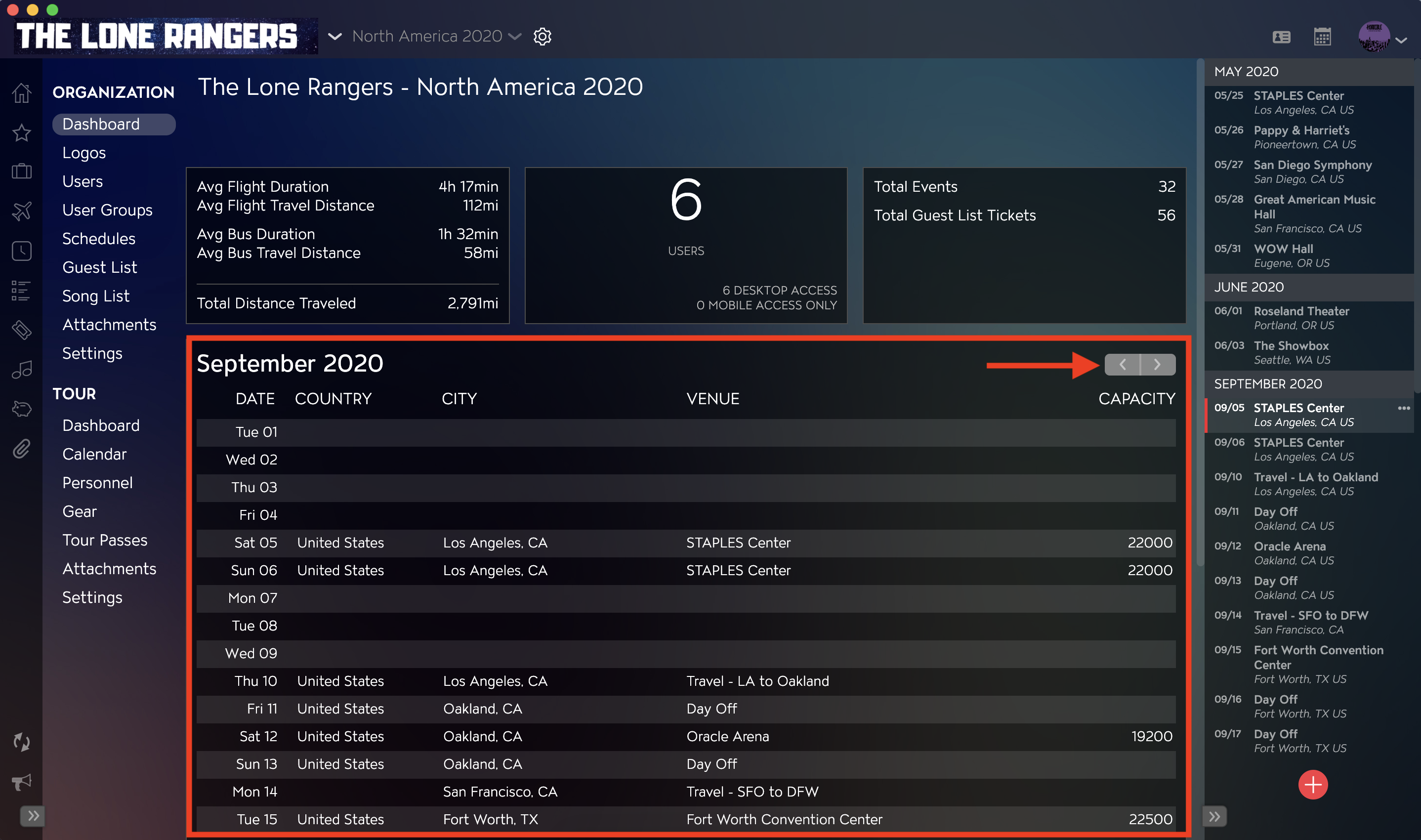
Master Tour's Organization Overview Dashboard allows you to view a summary of vital information for your Organization, including total distance traveled, number of Users, the total number of Events, and more.
This article covers:
- How to Navigate to the Organization Overview Dashboard
- How to View Distance Summary Information
- How to View User Summary Information
- How to View Event and Guest List Summaries
- How to View Tour Date Details
How to Navigate to the Organization Overview Dashboard
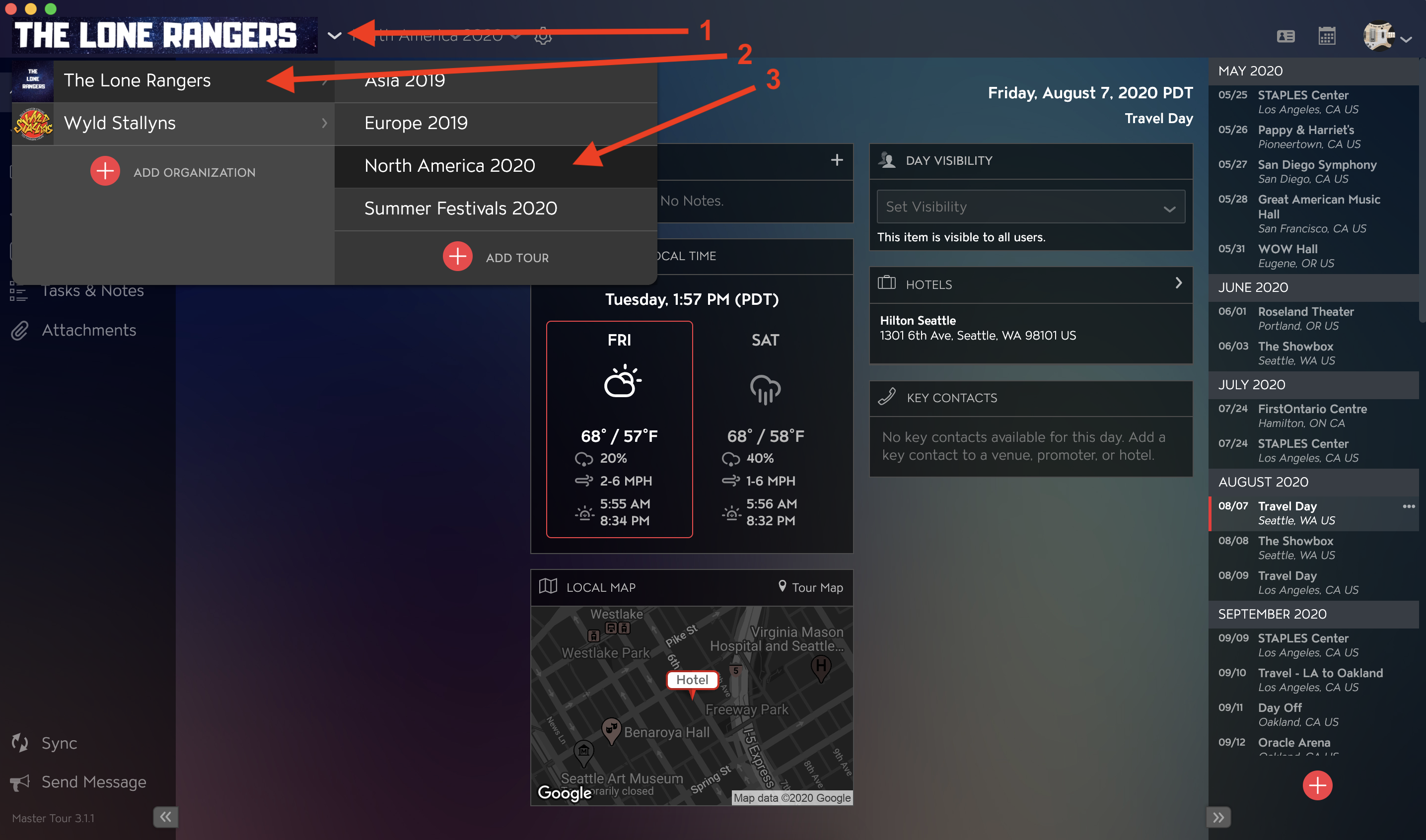
Within Master Tour, select the Organization that you would like to view the Organization Overview Dashboard for.
- Click on the Organization Selector dropdown menu.
- Select an Organization.
- Select a Tour if there are any Tours added to the Organization.
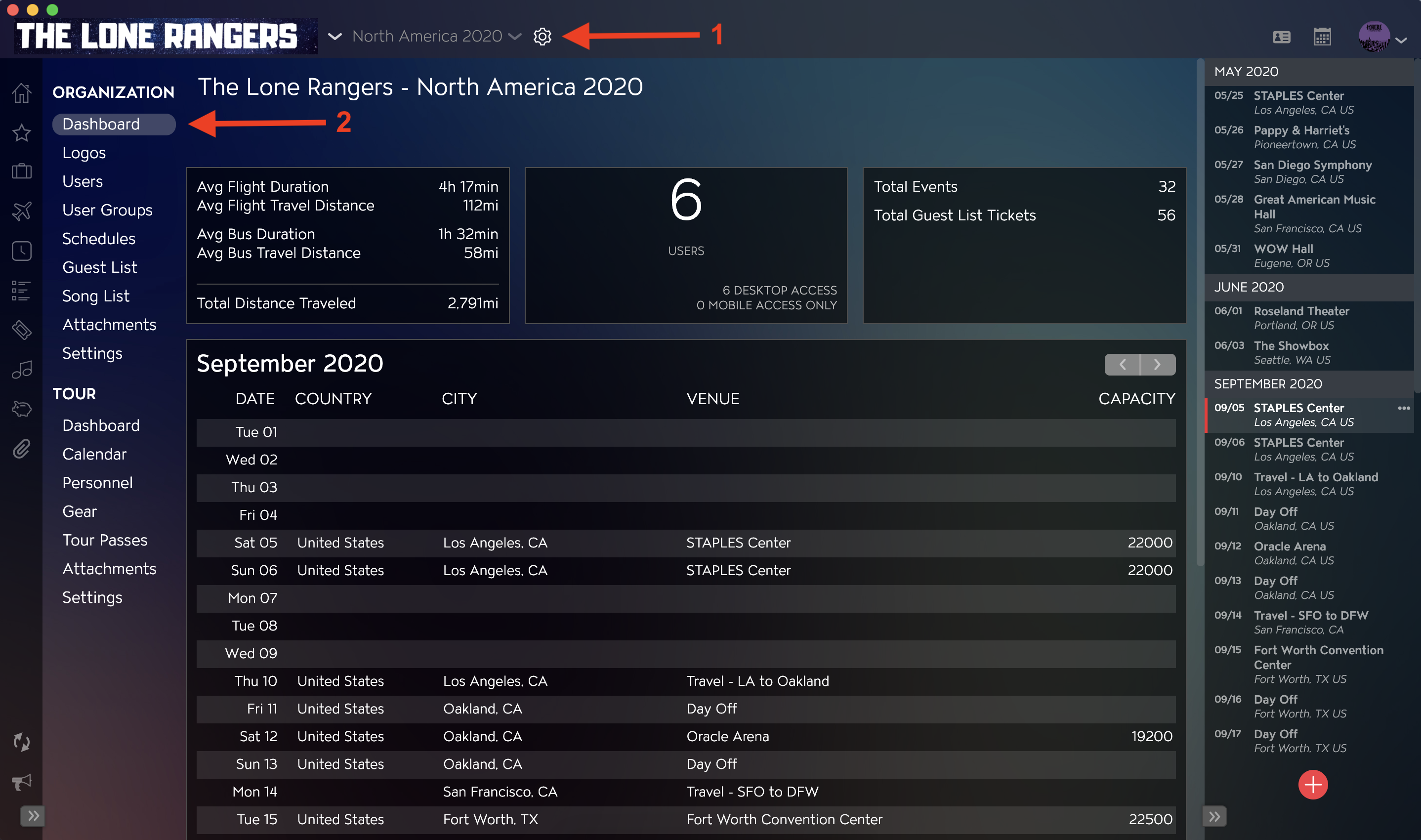
- Click on the Gear Icon to the right of your Tour Name at the top of the application.
- You will be directed to the Dashboard Section within Organization Settings in the left menu
How to View Distance Summary Information
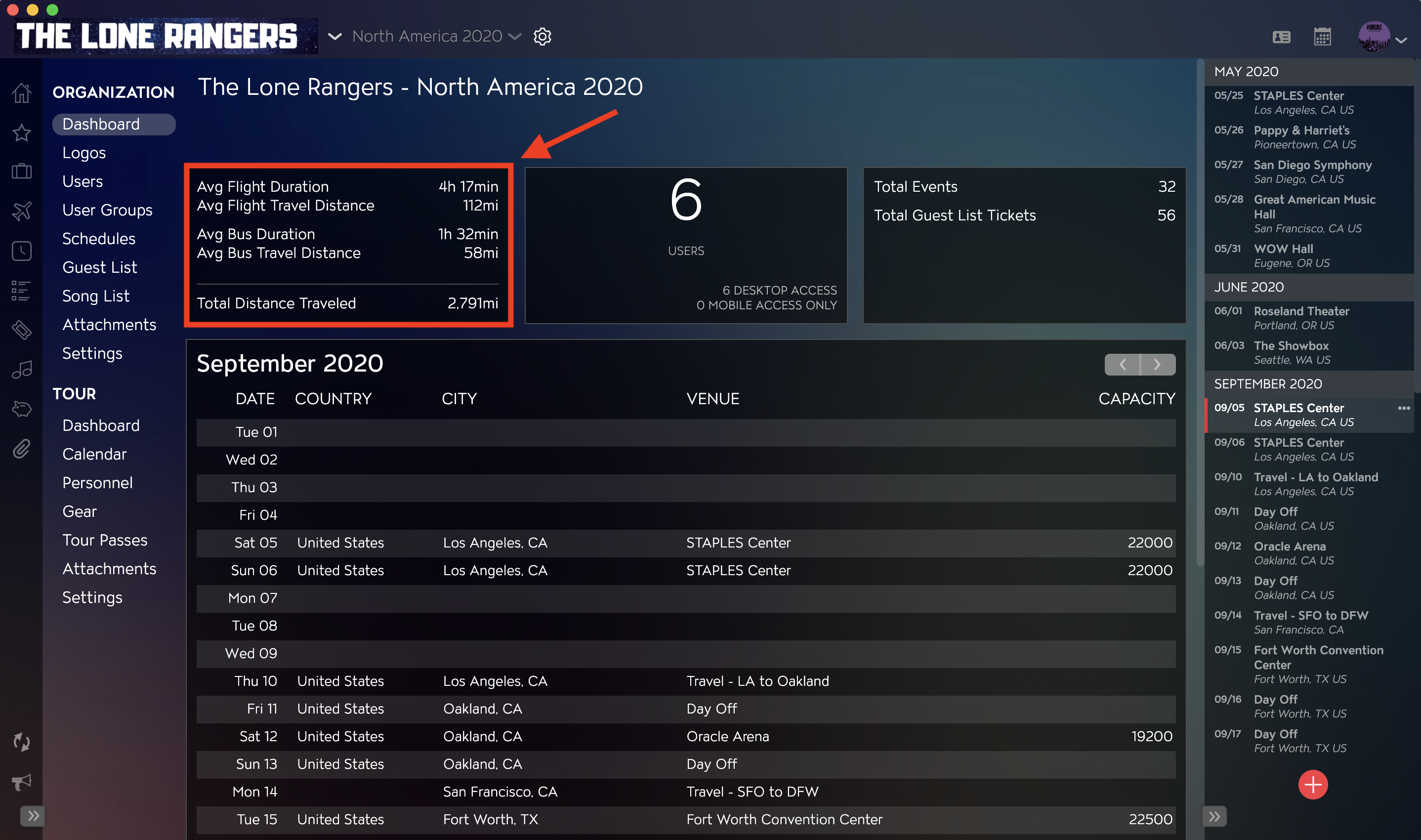
Using your organization's Travel item information and routing across your Organization's Tours, Master Tour will calculate and display your average Travel distances & durations, along with your Organization’s total distance traveled.
How to View User Summary Information
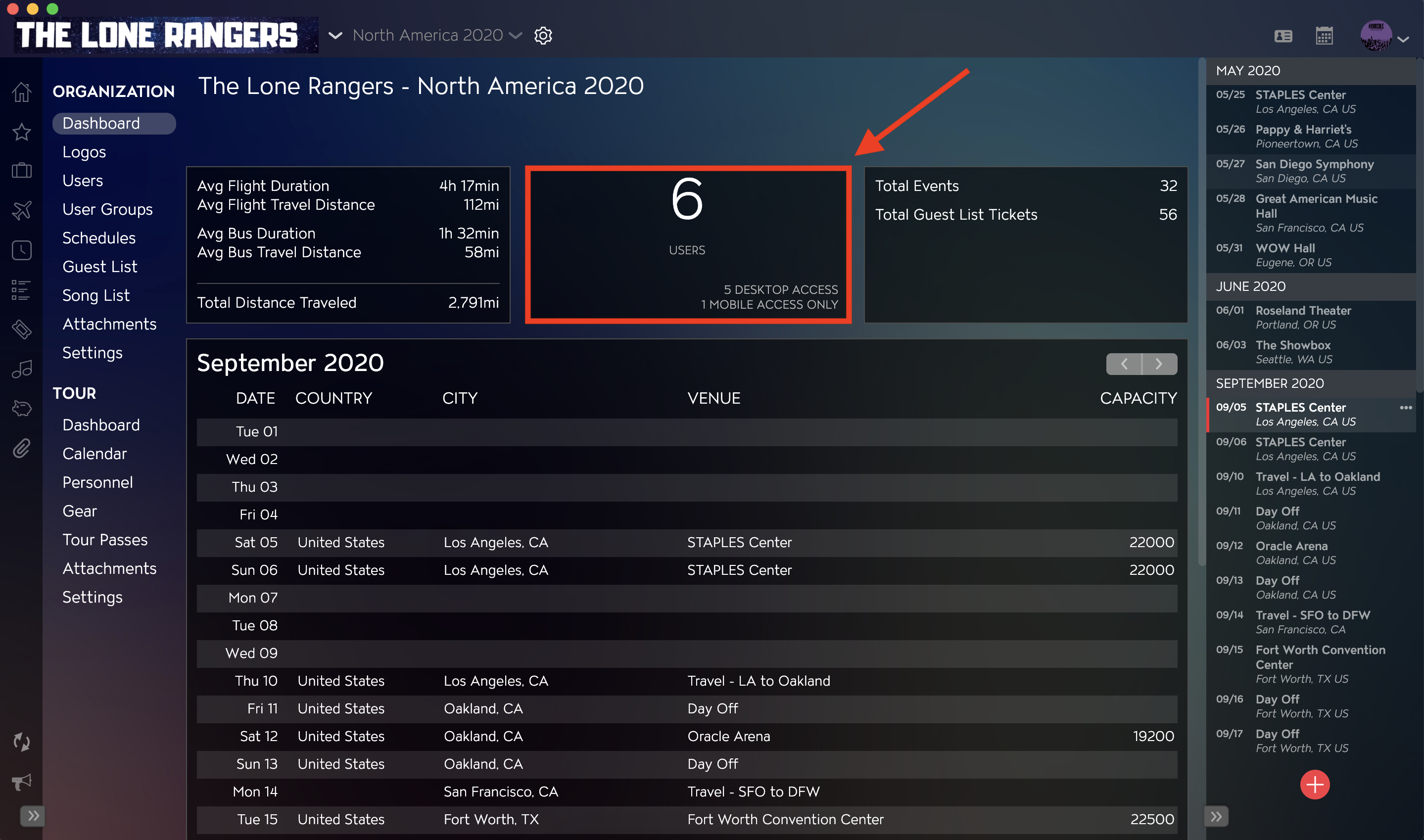
The User Summary will display the total number of Users within your Organization, as well as a breakdown of Users by subscription type.
How to View Event and Guest List Summaries
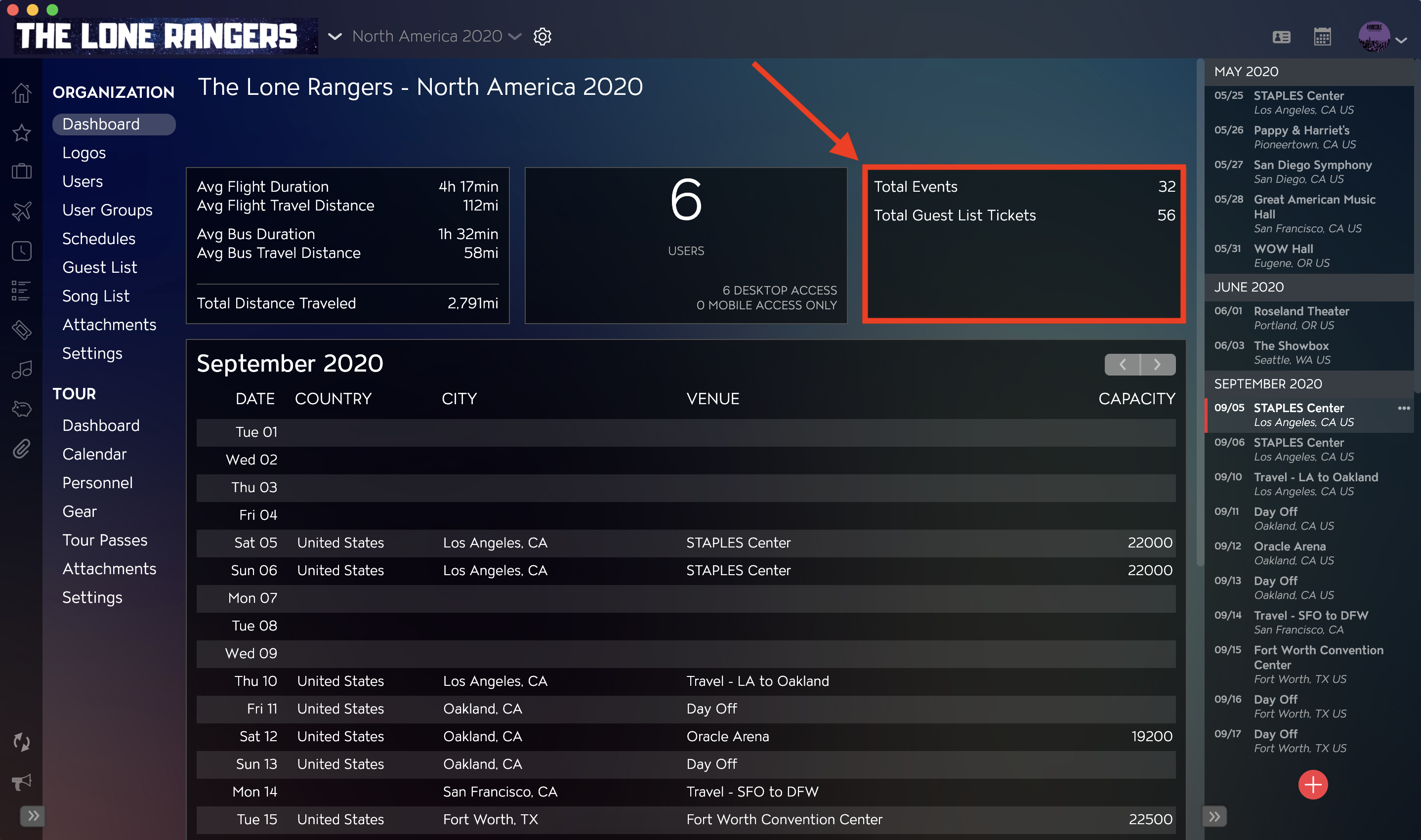
Using your Tour's Event and Guest List information across your Organization's Tours, Master Tour calculates & displays the total number of Events and Guest List Tickets.
How to View Tour Date Details
In the main body of the Dashboard, you will see a monthly summary of all Tour Dates across your Organization. In this view, you can see the Date, Country, City, Venue, and Capacity for each event on the dates listed. Note that the Venue column will display the Day Title, which may be different than the Venue name.
You can also use the Arrow buttons in the upper right-hand corner of this section to change the month that you are viewing.