
To access the Stage(s) information page select the Venue Stage tab to the left of the screen when at the homepage of Master Tour Venue.
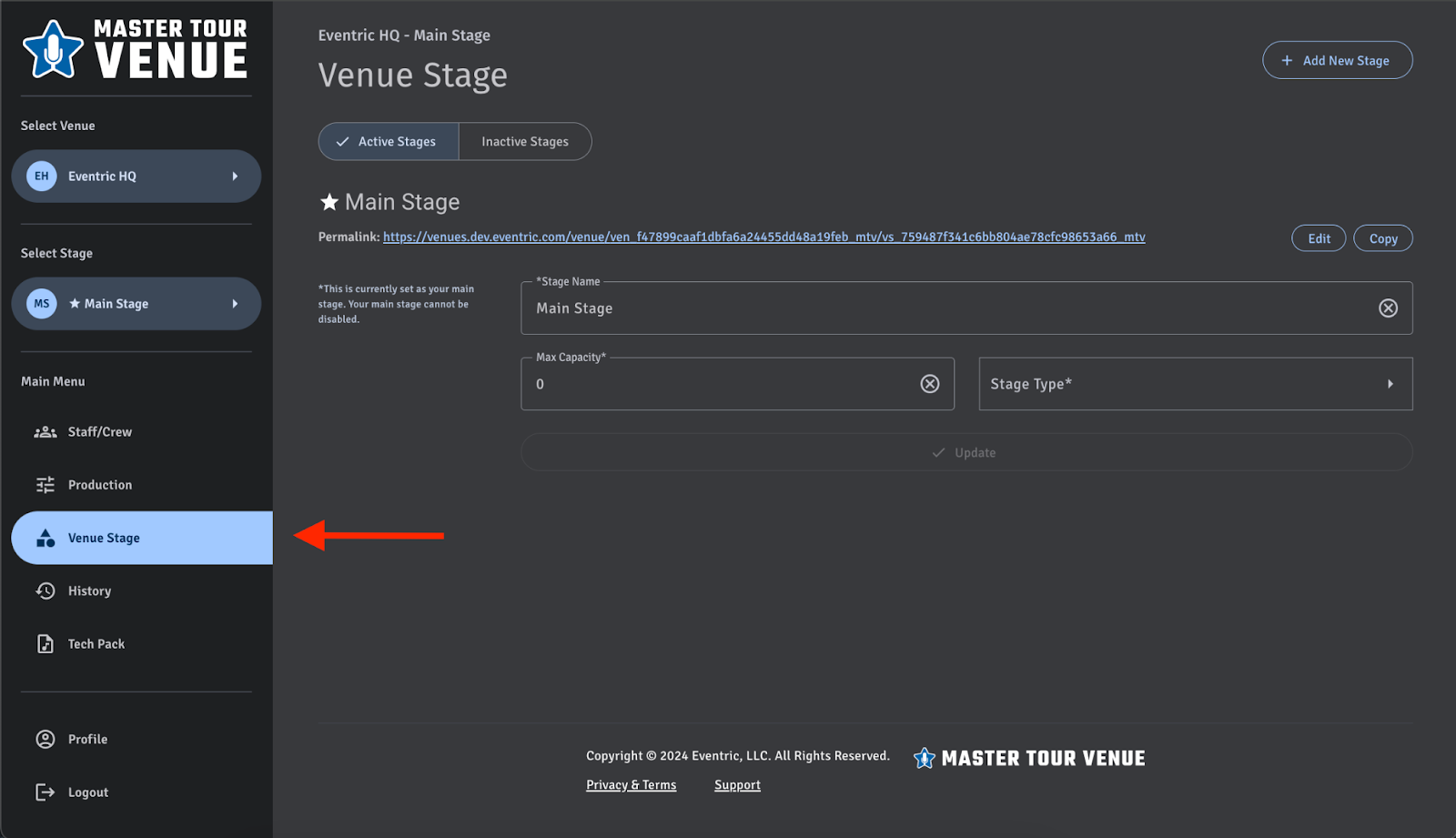
In this window users are able to enter and edit information pertaining to specific stages within the venue record. When new information has been added or edited click on the update button at the bottom to save those changes. Information fields with a star next to the description are required to be filled in to save any information pertaining to the stage.
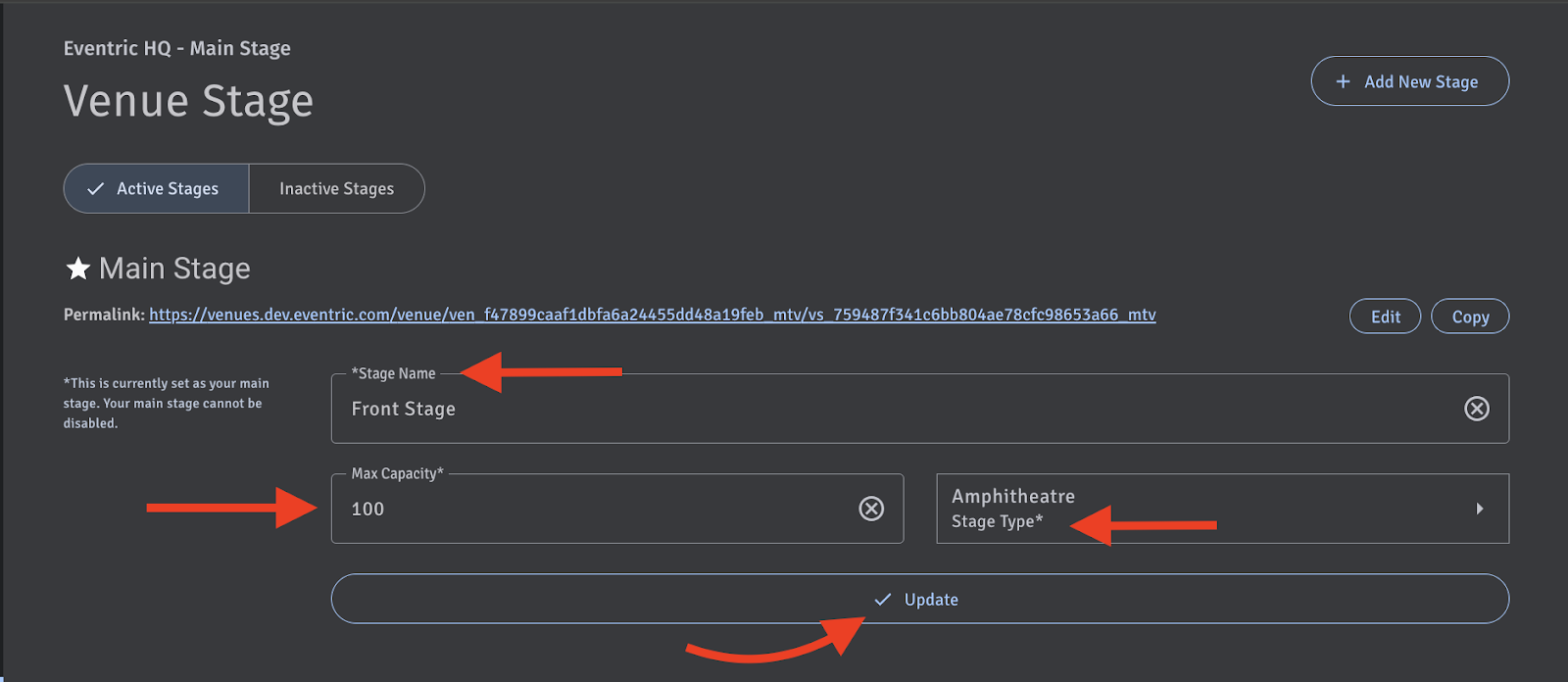
Keep in mind that venue records require at least one stage to be listed active in Master Tour venue. This will act as a main stage and cannot be listed inactive.
If you have any questions after following these instructions, please click here to open a Support Request or call +1-773-862-4246 to speak with a member of our Support Team between the hours of 10:00 am - 6:00 pm US Central Time (CT), Monday through Friday.