
There are three types of Logos that you can add in Master Tour: Primary, Horizontal, and Square. Logos can be used to visually differentiate Organizations as well as to customize various Print Reports in Master Tour 3.
Primary Logos can be used in Print Reports.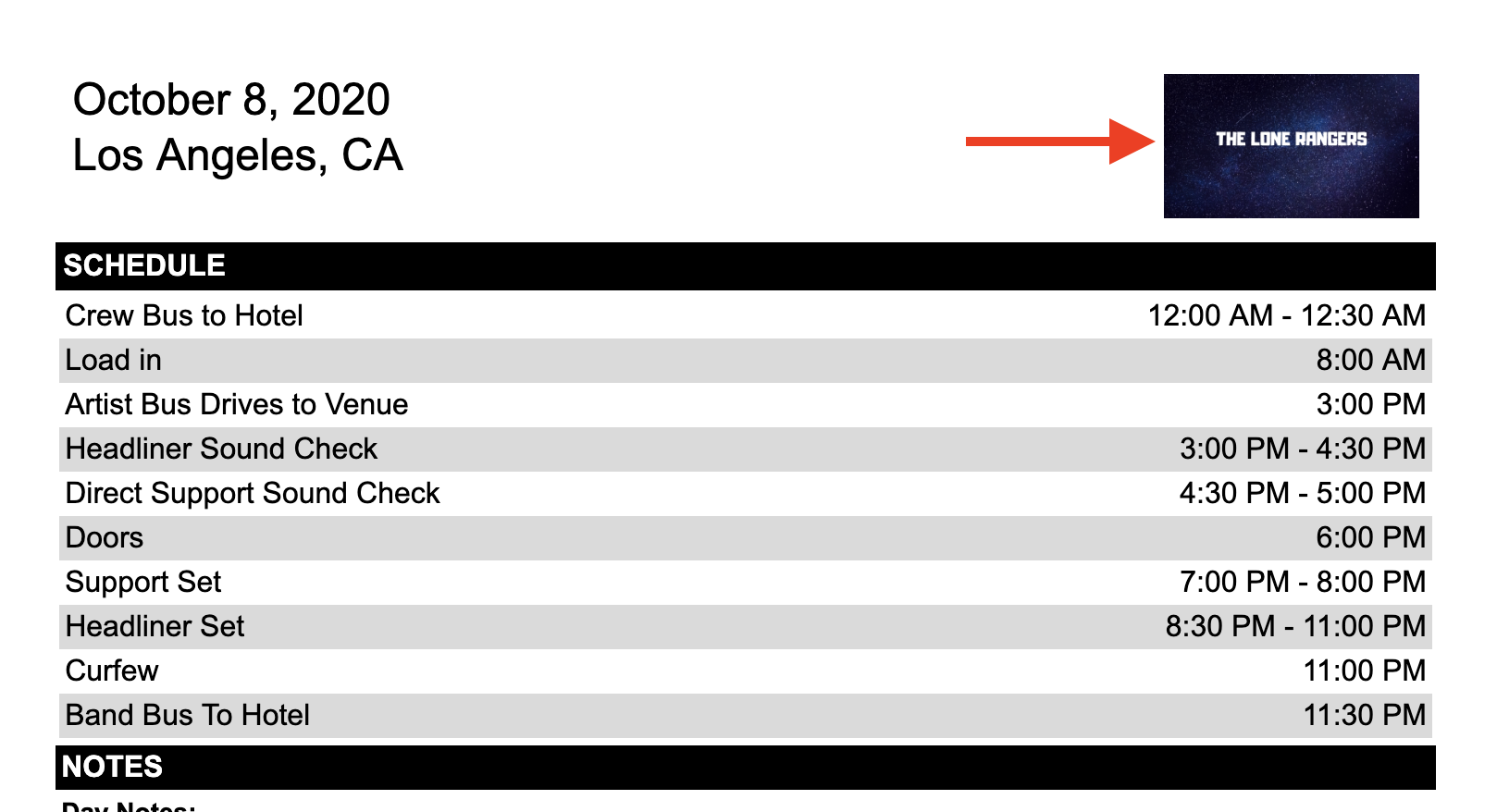
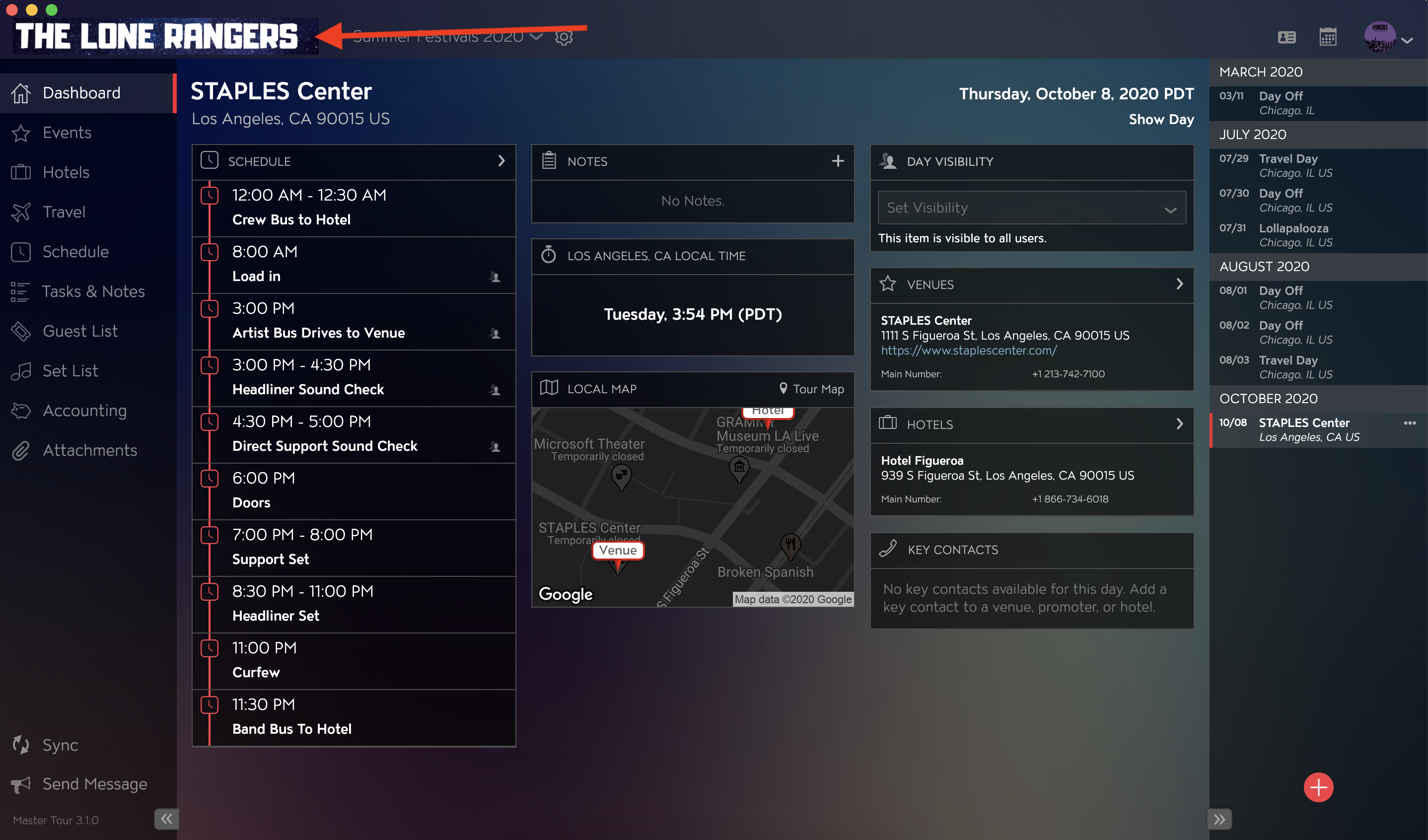
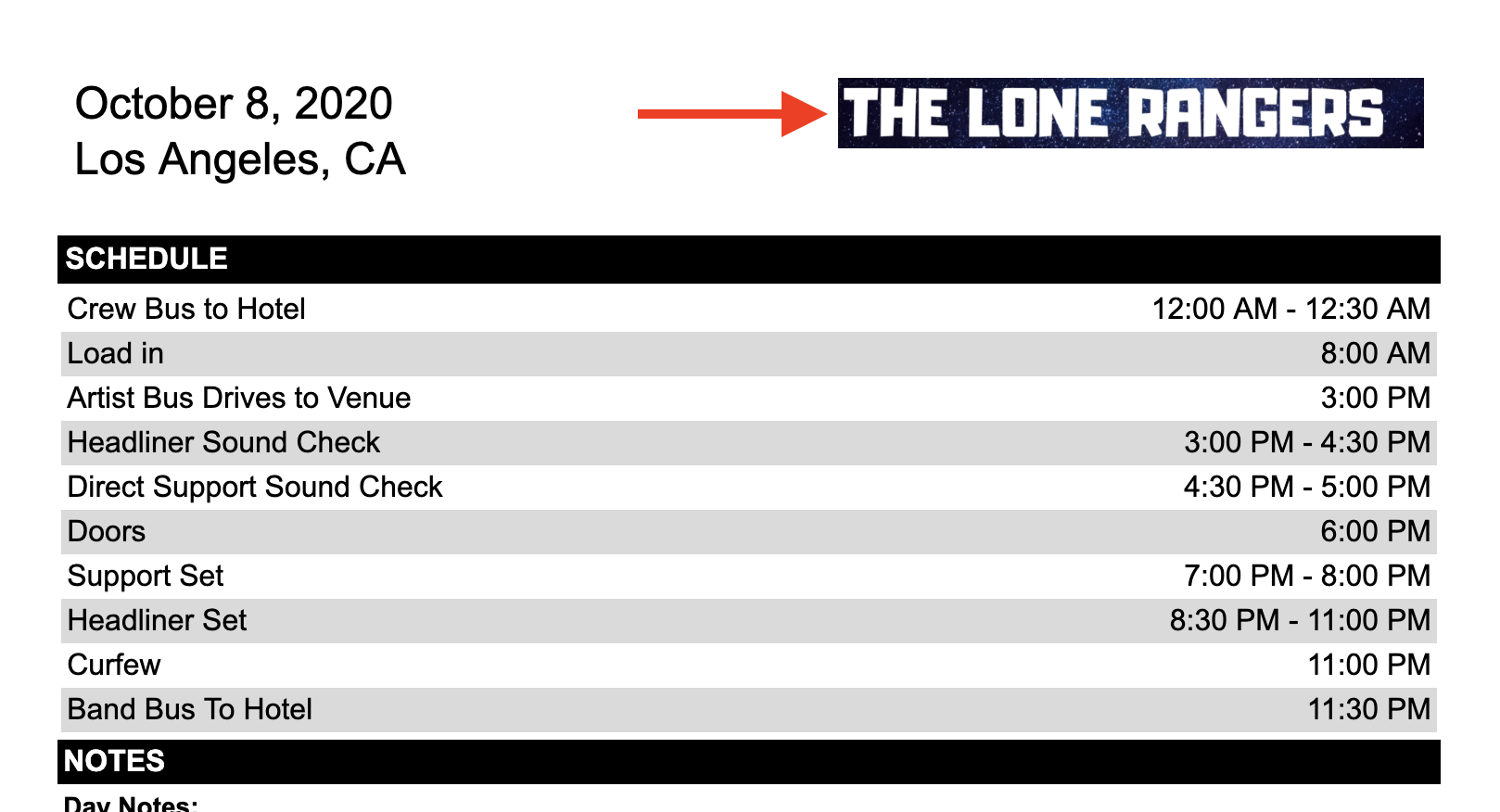
Horizontal Logos are displayed for selected Master Tour Organization and can be used to customize Print Reports.
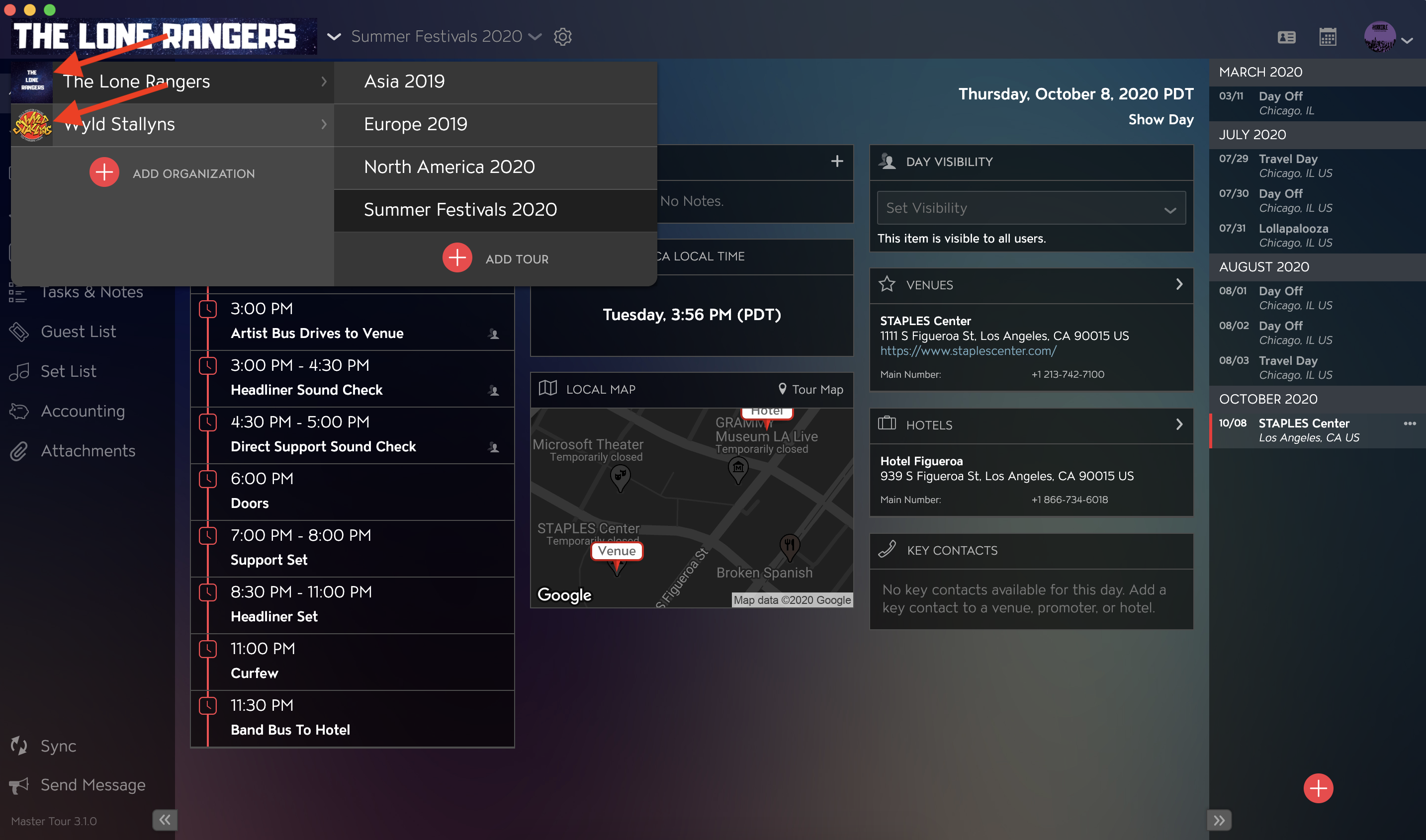
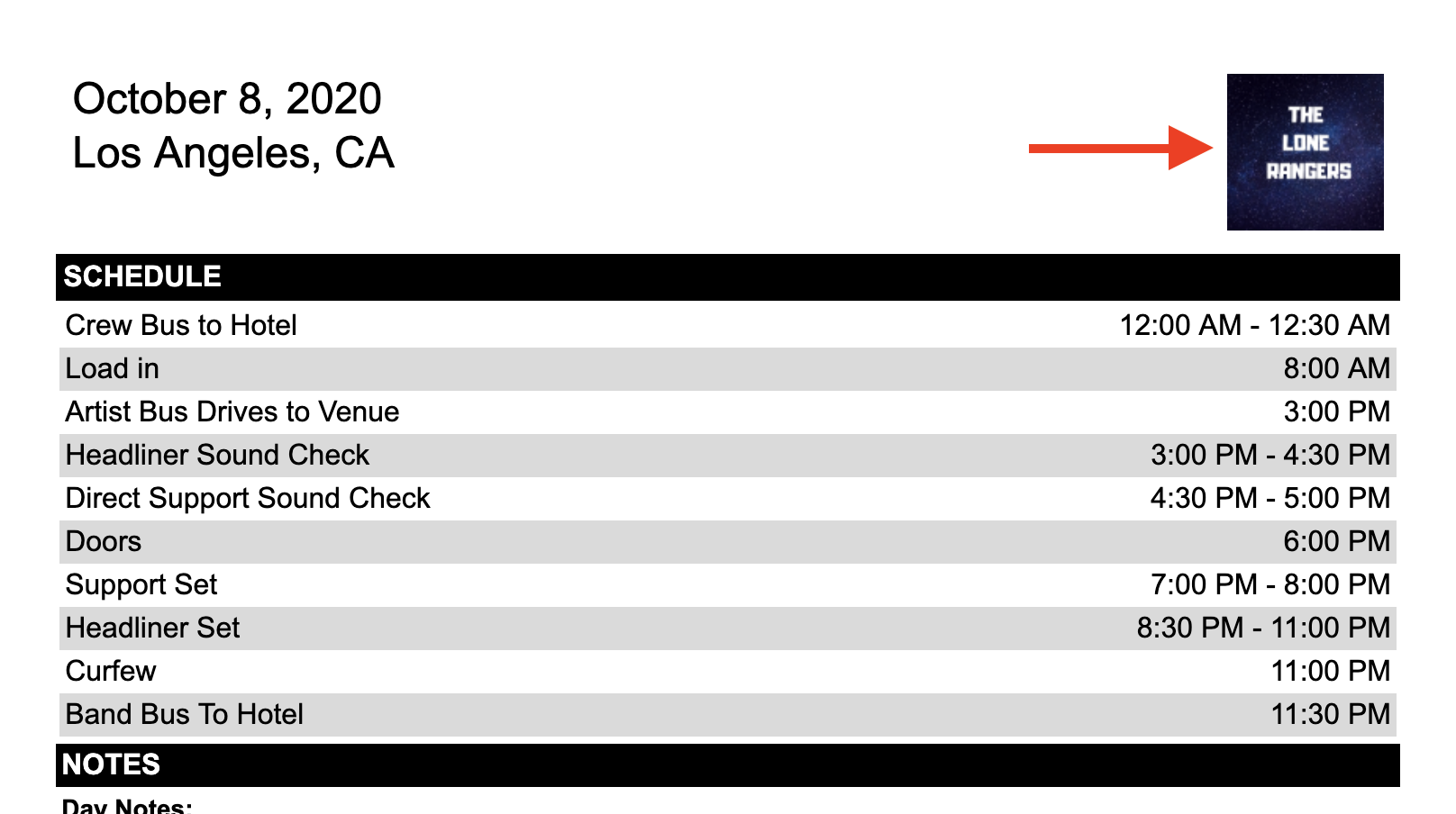
Square Logos are used to help identify Organizations in the Organization list view and can be used to customize Print Reports.
If you have any questions after following these instructions, please click here to open a Support Request or call +1-773-862-4246 to speak with a member of our Support Team between the hours of 10:00 am - 6:00 pm US Central Time (CT), Monday through Friday.